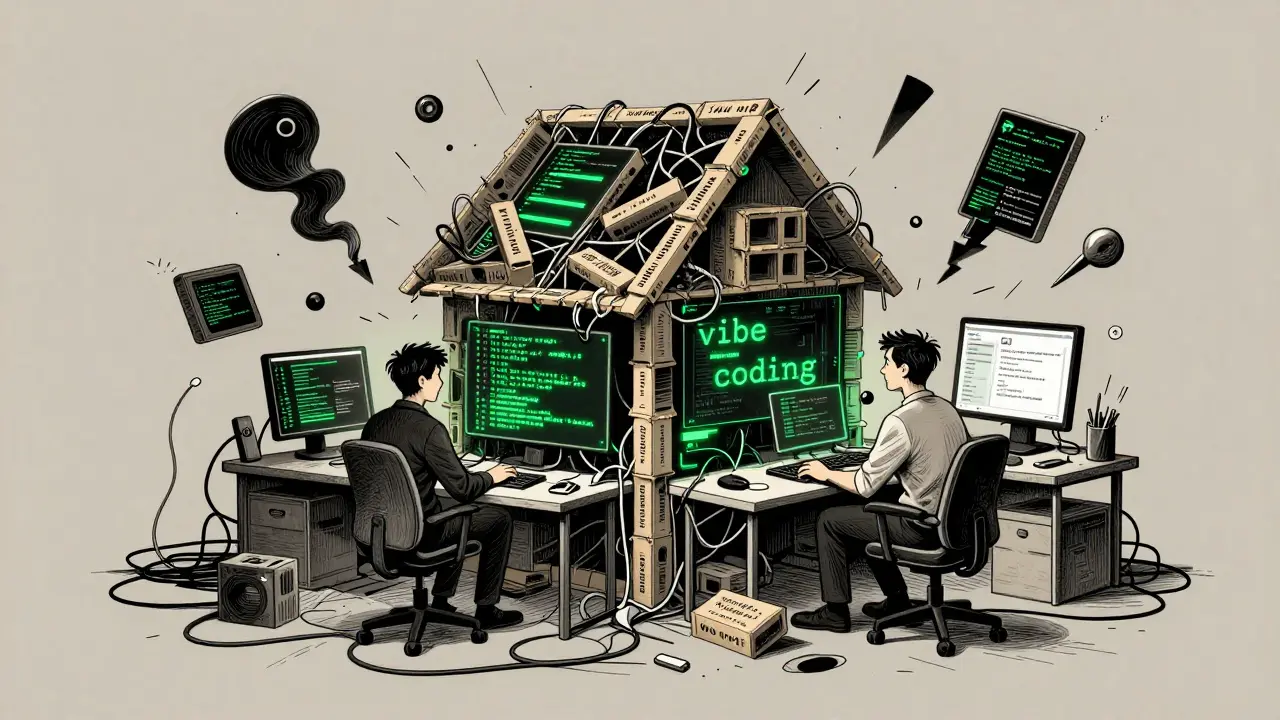
You just spent three days in a flow state with Cursor, an AI-powered code editor that allows developers to write, edit, and debug code using natural language prompts and context-aware suggestions. The app works. The buttons click. The data saves. But when you look at the repository, it feels like a house of cards built by a very fast, slightly confused intern. This is the reality of vibe coding, a development approach where programmers rely on rapid, iterative interactions with AI assistants to build applications without formal upfront specifications or architecture. It’s exhilarating until you try to add a feature, and suddenly the whole thing breaks because the AI hallucinated a database schema that doesn’t match your API.
The problem isn’t the AI. The problem is that vibe coding prioritizes speed and intuition over structure. To make these apps production-ready, you need a dedicated phase to clean up the mess. We call this a refactoring sprint. Unlike traditional agile refactoring, which might be a small task within a feature sprint, a refactoring sprint for vibe-coded apps is a distinct, time-boxed iteration focused entirely on hardening security, standardizing architecture, and documenting the implicit logic the AI created. Here is how to schedule them and what to scope so you don’t drown in technical debt.
Why Vibe-Coded Apps Need Dedicated Refactoring
Vibe coding is essentially high-velocity prototyping disguised as production work. When you prompt an AI to “build a login page,” it gives you code that works for the happy path. It rarely considers edge cases, security vulnerabilities, or long-term maintainability unless you explicitly force it to. According to practitioner reports from platforms like Build to Launch, unstructured vibe coding leads to three specific traps: security holes, technical-debt spirals, and skill atrophy.
Consider the security angle. An AI assistant might suggest storing API keys in client-side environment variables because it’s the quickest way to make the demo work. In a traditional workflow, a senior engineer catches this during code review. In a vibe-coded workflow, if you’re moving too fast, you merge it. A refactoring sprint is the safety net. It’s the moment you pause the feature creation and ask, “Is this actually secure?” Tools like Supabase, a backend-as-a-service platform providing authentication, database hosting, and storage with built-in security features or Cloudflare, a web infrastructure and security company offering CDN, DDoS protection, and DNS services provide guardrails, but only if you configure them correctly. The refactoring sprint is where you move from “it works” to “it’s safe.”
Scheduling Your Refactoring Sprints
When do you stop building and start cleaning? The answer depends on your cadence. Most teams using AI-assisted workflows operate in one-week sprints, as suggested by DevOps trends in vibe coding communities. You have two main strategies for scheduling refactoring:
- The Pre-Release Hardening Sprint: If you deploy frequently, dedicate the sprint immediately preceding a major release to refactoring. Use this time to run security sweeps, fix all known bugs, and ensure documentation is up to date. This ensures that every significant version shipped to users has been vetted.
- The Periodic Cleanup (Every 3rd Sprint): If you are in continuous discovery mode, insert a refactoring sprint after every two or three feature-heavy sprints. After building several vertical slices-complete features from database to UI-you will notice duplicated patterns and cross-cutting issues. This is the signal to pause. Extract those duplicates into shared modules before they spread further.
Don’t try to refactor while you’re in the middle of a vibe-coding flow. It kills momentum. Instead, treat the refactoring sprint as a separate mode of operation. During feature sprints, your goal is velocity. During refactoring sprints, your goal is stability.
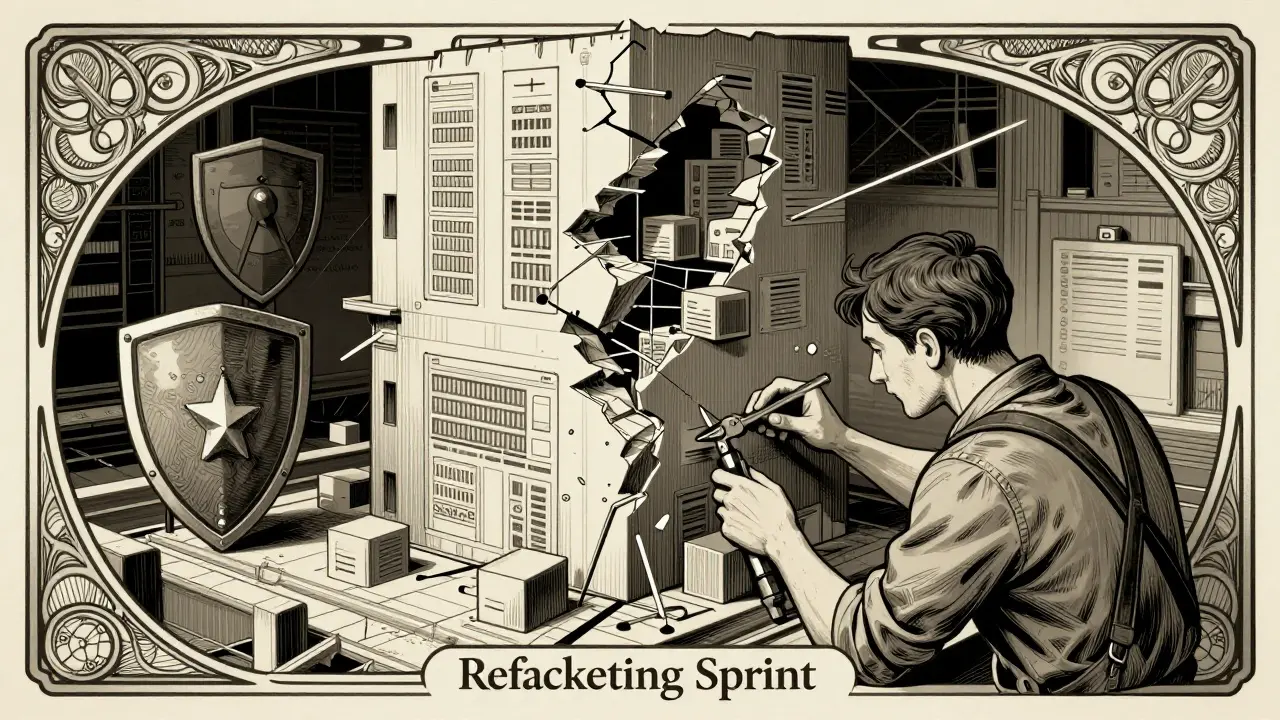
Defining the Scope: What to Fix First
A refactoring sprint can easily become a black hole if you don’t define strict boundaries. You aren’t rewriting the entire application from scratch. You are surgically addressing the weaknesses introduced by AI-generated code. Focus on these five areas:
1. Security and Privacy Hardening
This is non-negotiable. Start by searching for hardcoded secrets, insecure authentication flows, and missing input validation. Use AI against itself here. Prompt your editor to “roast its own code” for security vulnerabilities. Many developers have found that asking the AI to identify its own mistakes surfaces issues like client-side secret usage or SQL injection risks that human reviewers missed. Once identified, migrate sensitive operations to trusted platforms like Supabase for auth or Stripe for payments, which enforce safer defaults.
2. Architecture and Code Quality
Vibe coding often results in copy-pasted logic across different components. If you built three different forms using similar validation logic, extract that logic into a single reusable module. Normalize your state management and routing patterns. If you used React, a JavaScript library for building user interfaces, maintained by Meta components, ensure they follow consistent naming conventions and prop structures. Use AI code reviews to surface code smells, then manually refactor them to ensure the changes make sense architecturally.
3. Tests and Verification
AI is great at generating unit tests, but terrible at knowing *what* needs testing. During your refactoring sprint, use tools like Kiro, a spec-driven development tool that converts natural language requirements into system designs and task lists or similar agents to generate test cases based on your acceptance criteria. Prioritize critical endpoints and user flows. Don’t aim for 100% coverage immediately; aim for coverage of the most fragile parts of the system-the ones likely to break when you change something else.
4. Documentation and Knowledge Consolidation
If you didn’t document your vibe-coding process, you’ve lost half the value of the work. Use the refactoring sprint to create architecture overviews, data-flow diagrams, and decision logs. Ask your AI assistant to document each vertical slice, explaining how the database, server, and client connect. This isn’t just for humans; it’s for future AI sessions. When you return to the code weeks later, having clear documentation helps the AI understand the existing context, reducing hallucinations.
5. AI Configuration: Rules and Prompts
This is the most impactful part of the sprint. Review your rules files, such as configuration files (e.g., .cursor/rules) that define project-specific conventions, coding standards, and behavioral constraints for AI assistants. Did the AI make a mistake you had to correct manually? Add a rule to prevent it next time. For example, if the AI kept forgetting to validate email inputs, add a rule: “Always validate email format using regex before submission.” Treat your rules file as a living document that improves with every bug you fix.
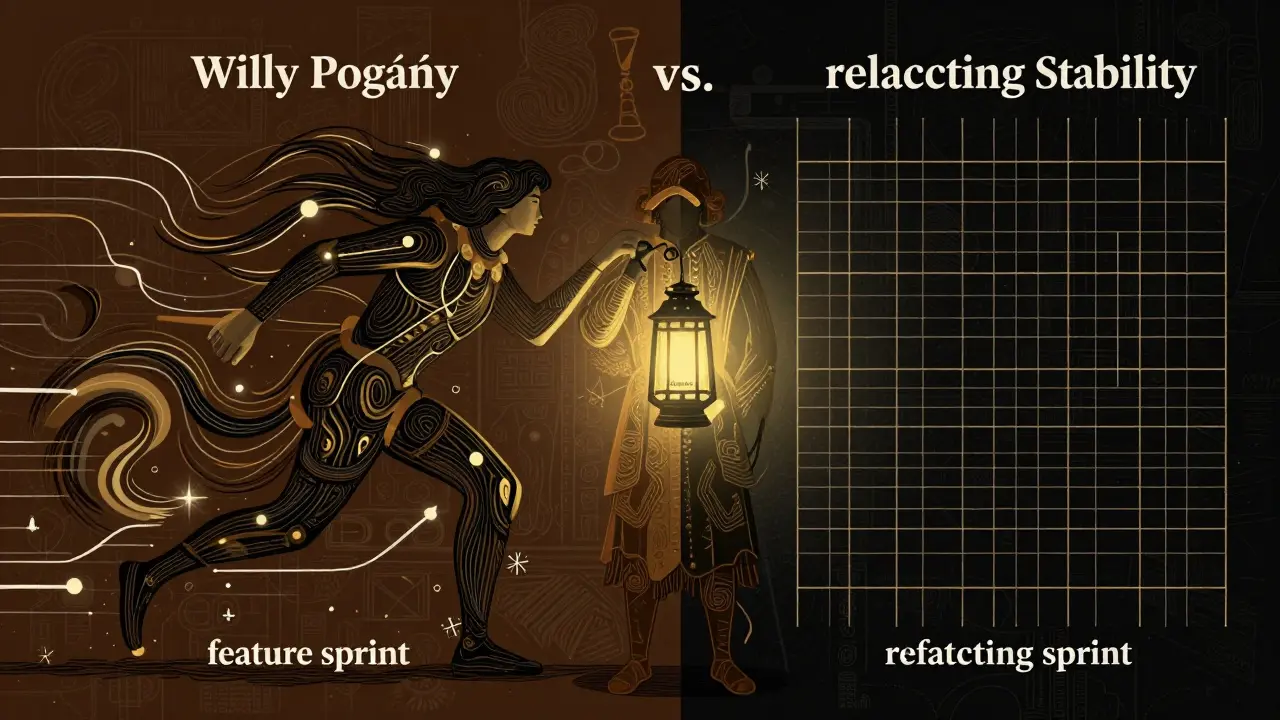
Comparison: Feature Sprint vs. Refactoring Sprint
| Aspect | Feature Sprint | Refactoring Sprint |
|---|---|---|
| Primary Goal | Ship new functionality quickly | Improve code quality and security |
| AI Interaction Style | Exploratory, open-ended prompts | Targeted, constraint-heavy prompts |
| Output Metrics | Features completed, user stories closed | Bugs fixed, test coverage increased, rules added |
| Risk Level | High (new code introduces unknowns) | Medium (changing existing code requires care) |
| Documentation | Minimal, just enough to proceed | Comprehensive, architectural updates |
Implementing the Workflow
To make this work, you need a disciplined pre-sprint analysis. Before starting the refactoring sprint, run an AI code review to enumerate all known issues. Generate a “Refactoring PRD” (Product Requirements Document) that lists specific goals: “Remove all client-side secrets,” “Unify error handling,” “Add tests for auth flow.”
During the sprint, prioritize security and cross-cutting concerns first. Then, tackle architecture and code quality. Finally, update your documentation and rules files. Post-sprint, run a smoke test and a security sweep to verify your changes. If you’re using spec-driven tools like Kiro, backfill specs for the existing vibe-coded features so future work is guided by structure rather than guesswork.
Refactoring sprints aren’t a sign that vibe coding failed. They’re the mechanism that makes it sustainable. By regularly pausing to harden your codebase, you keep the speed of AI development without sacrificing the reliability your users expect.
How often should I schedule a refactoring sprint?
A good rule of thumb is every third sprint or immediately before a major release. If you work in one-week sprints, dedicating one week out of every three to refactoring ensures you stay on top of technical debt without halting progress for too long.
Can I use AI to perform the refactoring?
Yes, but with caution. AI is excellent at generating boilerplate tests, extracting functions, and updating documentation. However, always manually review architectural changes. AI may refactor code in a way that looks correct syntactically but breaks logical dependencies or security assumptions.
What is a "rules file" in vibe coding?
A rules file (like .cursor/rules) is a configuration file where you define project-specific conventions, coding standards, and behavioral constraints for your AI assistant. It acts as a guardrail, ensuring the AI generates code that aligns with your security and architectural preferences.
How do I know if my vibe-coded app needs refactoring?
Signs include duplicated code across components, difficulty adding new features due to unclear dependencies, security warnings in your IDE, and a lack of documentation. If you feel anxious about touching certain parts of the codebase, it’s time for a refactoring sprint.
Is vibe coding suitable for production apps?
Yes, but only if paired with rigorous refactoring and review processes. Vibe coding accelerates development, but without structured cleanup phases, the resulting technical debt and security risks can make the app unmaintainable and unsafe for production use.