
Stop expecting your AI to nail a complex task on the first try. If you've ever received a response that was "almost there" but lacked the right tone or missed a crucial detail, you've encountered the limitation of single-pass prompting. The secret to professional-grade AI output isn't a magical "mega-prompt"; it's the process of critique-and-revise prompting. This method turns a one-off request into a dynamic conversation, forcing the AI to act as its own toughest critic before it ever shows you the final result.
By implementing iterative refinement loops, you move away from gambling on a single output and instead build a reliable pipeline. Whether you are automating executive reports or building a personalized chatbot, the goal is to move from a rough draft to a polished product through a structured cycle of generation, evaluation, and correction.
The Anatomy of a Refinement Loop
At its core, a critique-and-revise loop is a recursive process. Instead of just asking for an answer, you build a system where the AI looks at its own work, finds the flaws, and fixes them. According to research on Recursive Criticism and Improvement (RCI), this process generally breaks down into four distinct phases:
- Generation: The AI produces an initial draft based on your primary instructions. This is the baseline.
- Reflection: The AI examines the output. It asks, "Does this actually answer the prompt? Is the logic sound?"
- Criticism: The AI identifies specific failure points. It might find a factual error, a weirdly formal tone, or a missing section.
- Improvement: Using the specific criticisms, the AI rewrites the content to resolve the identified issues.
This loop can be repeated multiple times. While it's tempting to keep going forever, most practitioners find that 3 to 5 iterations hit the sweet spot where quality peaks before you hit diminishing returns.
Advanced Frameworks: The PerFine Approach
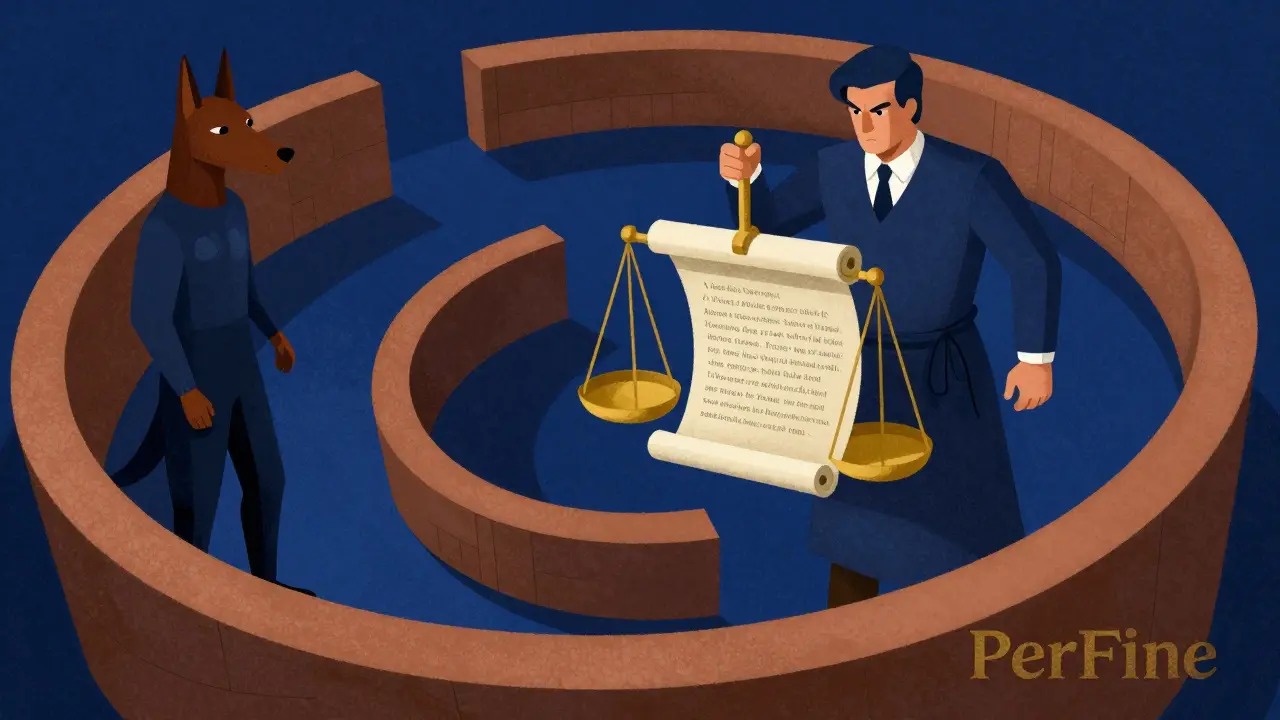
For those needing high-level personalization, basic loops aren't always enough. This is where specialized frameworks like PerFine come in. Unlike standard prompting, PerFine is a training-free framework designed to make AI responses feel genuinely personal by grounding them in user profiles.
PerFine uses a sophisticated three-part architecture: a Retriever, a Generator, and a Critic. The Retriever pulls the most relevant pieces of a user's profile. The Generator creates the text, and the Critic evaluates it against four specific dimensions: tone, vocabulary, sentence structure, and topicality.
One of the coolest parts of this framework is the "Knockout strategy." Instead of just blindly accepting the latest version, the Critic compares the new version (Iteration T) with the previous one (Iteration T-1). If the previous version was actually more aligned with the user's style, it "knocks out" the new version and keeps the better draft. This prevents the AI from "over-correcting" and losing the original intent.
| Feature | Single-Pass Prompting | Standard Iterative Loops | PerFine Framework |
|---|---|---|---|
| Process | One request, one answer | Draft → Critique → Revise | Profile-grounded loop with Knockout strategy |
| Reliability | Low (hit or miss) | Medium-High | High (personalized) |
| Cost/Latency | Low | Moderate (3-5x increase) | Higher (Multi-stage) |
| Best For | Simple facts/tasks | General content creation | High-end personalized UX |
How to Implement Iterative Prompting in Your Workflow
You don't need a complex framework to start seeing results. You can apply a structured iterative methodology using a few simple steps. Let's look at how a professional would handle a business task, like summarizing a sales report.
- Initial Draft: Start with a clear but basic prompt.
Example: "Summarize this quarterly sales report for executive insights." - Evaluation: Look at the result. Is it too long? Did it miss the dip in Q3 revenue? Is the tone too casual for a CEO?
- Prompt Refinement: Modify your instructions to close the gap.
Example: "Summarize this report in 3 bullet points. Specifically highlight growth areas and the Q3 risk factors. Use a formal, concise executive tone." - Incorporation: Run the prompt and rate the response. If it's still not perfect, repeat the cycle.
If you want the AI to handle the critique itself, use a "Self-Correction" prompt. Try adding this to your workflow: "Review your previous answer and find every potential problem, logical gap, or stylistic inconsistency. List these problems first, then provide an improved version of the answer that fixes all of them."
Scaling Up with Reflection and Chain-of-Thought
When you're dealing with truly complex logic, a simple revise loop can sometimes miss the mark. This is where Reflection Prompting and Chain-of-Thought (CoT) come into play. Reflection asks the AI to step back and evaluate its reasoning process, not just the final words.
Instead of just asking for a revision, ask: "Re-evaluate the logic used in the second paragraph. Are there any hidden assumptions that aren't supported by the data? If so, correct the analysis." When you combine this with CoT-forcing the AI to explain its step-by-step reasoning before giving the final answer-the accuracy of the output sky-rockets.
For those operating at scale, using tools like LangSmith, TruLens, or Prompt Layer allows you to run "Batch Evaluations." Instead of testing one prompt, you can run five variations (P1 through P5) against the same dataset and see which one consistently produces the fewest errors. This moves prompt design from an art to a science.

The Trade-offs: Cost vs. Quality
It's important to be realistic: critique-and-revise loops aren't free. Because you are calling the model multiple times, your API costs will increase and the user will wait longer for a response. This is the "latency tax."
To manage this, consider these rules of thumb:
- Low-Stakes Content: Use 1-2 iterations or simple reflection.
- High-Stakes/Production Content: Use 3-5 iterations with a dedicated "Critic" model.
- The Critic's Power: Use a more capable model for the critique phase than the generation phase. For example, use a smaller, faster model to draft the content, but use a heavyweight model like GPT-4 or Google Gemini to perform the critique. A smarter critic always leads to a better final product.
How many iterations are actually necessary?
Based on empirical data from frameworks like PerFine, 3 to 5 iterations usually provide the most significant quality gains. Beyond 5 iterations, you often see diminishing returns where the changes are negligible or the AI begins to "over-polish" and lose the original nuance.
Can I use the same AI model as both the Generator and the Critic?
Yes, but the results are usually better if you use a more powerful model for the Critic. A model that is "smarter" than the generator is better at spotting subtle logical flaws or tone mismatches that the generator might be blind to.
What is the difference between iterative prompting and just chatting with an AI?
Chatting is often random and unstructured. Iterative prompting is a systematic methodology. It uses specific phases (generation, reflection, criticism, improvement) and often incorporates structured evaluation metrics to ensure the output improves objectively each time.
Does this require fine-tuning the model?
No. One of the biggest advantages of critique-and-revise prompting is that it is "training-free." You are optimizing the inference process (how the model is used) rather than the model's internal weights, making it much cheaper and faster to deploy than fine-tuning.
What is the "Knockout strategy" in PerFine?
The Knockout strategy is a safety mechanism where the Critic compares the current version of a response with the previous one. If the previous version is more aligned with the desired profile or quality, it is retained. This prevents the AI from degrading the quality during later iterations.
Next Steps for Implementation
If you're just starting, don't build a full PerFine-style architecture. Start with Manual Iteration: run a prompt, critique the output yourself, and refine the prompt. Once you identify the common patterns of failure, move to Automated Self-Correction by asking the AI to review its own work.
For developers building production apps, the next step is to integrate a Dual-Model Loop. Use a fast model (like a smaller GPT or Gemini variant) for drafting and a high-reasoning model for the critique phase. This balances the cost of API calls with the necessity of high-quality, production-ready outputs.








vidhi patel
April 29, 2026 AT 13:29The author's failure to adhere to standard capitalization rules in several headings is utterly repulsive. One must wonder if the proponent of iterative refinement can even refine their own basic orthography before attempting to instruct others on professional-grade output.
Noel Dhiraj
May 1, 2026 AT 02:25love the idea of using a smaller model for drafting and a bigger one for the critique phase it really helps keep costs down while still getting that top tier quality just keep experimenting everyone
Geet Ramchandani
May 1, 2026 AT 22:35Honestly the whole premise of a "knockout strategy" sounds like a desperate attempt to patch over the fact that these models are fundamentally inconsistent and just hallucinate in circles until you force them into a box, and frankly, the latency tax is a massive deterrent that most of these "experts" conveniently gloss over because they aren't the ones paying the API bill for a simple summary that should have been a one-shot prompt if the model actually worked as advertised.
Priti Yadav
May 2, 2026 AT 21:15The way they talk about "user profiles" in PerFine is exactly how they're building the social credit system to track us all. It's not about "personalization," it's about data harvesting so the AI knows exactly how to manipulate your specific psychological triggers. Also, the comma usage in the second paragraph is absolutely atrocious.
Ajit Kumar
May 3, 2026 AT 15:44It is profoundly disheartening to observe the current societal trend of outsourcing the fundamental human capacity for critical thought to a series of algorithmic loops, for if we surrender the act of revision and intellectual struggle to a machine, we are effectively eroding the very cognitive faculties that distinguish a scholar from a mere processor of information. We must ask ourselves whether the efficiency of a "polished product" justifies the inevitable atrophy of the human mind, as true wisdom is born from the arduous process of personal correction, not the sterile output of a dual-model pipeline.
Sumit SM
May 5, 2026 AT 01:11The loop... is not just a tool... it is a reflection of the human soul's quest for perfection!!! Why settle for the first draft when the universe itself is an iterative process of expansion and contraction??? Absolutely brilliant!!!
Pooja Kalra
May 6, 2026 AT 12:24Iteration is merely a mask for uncertainty. If the intent were clear, the output would be instantaneous. We seek loops because we fear the void of a wrong answer.
Jen Deschambeault
May 8, 2026 AT 00:51Great breakdown of the process. This is a total game changer for workflow efficiency!