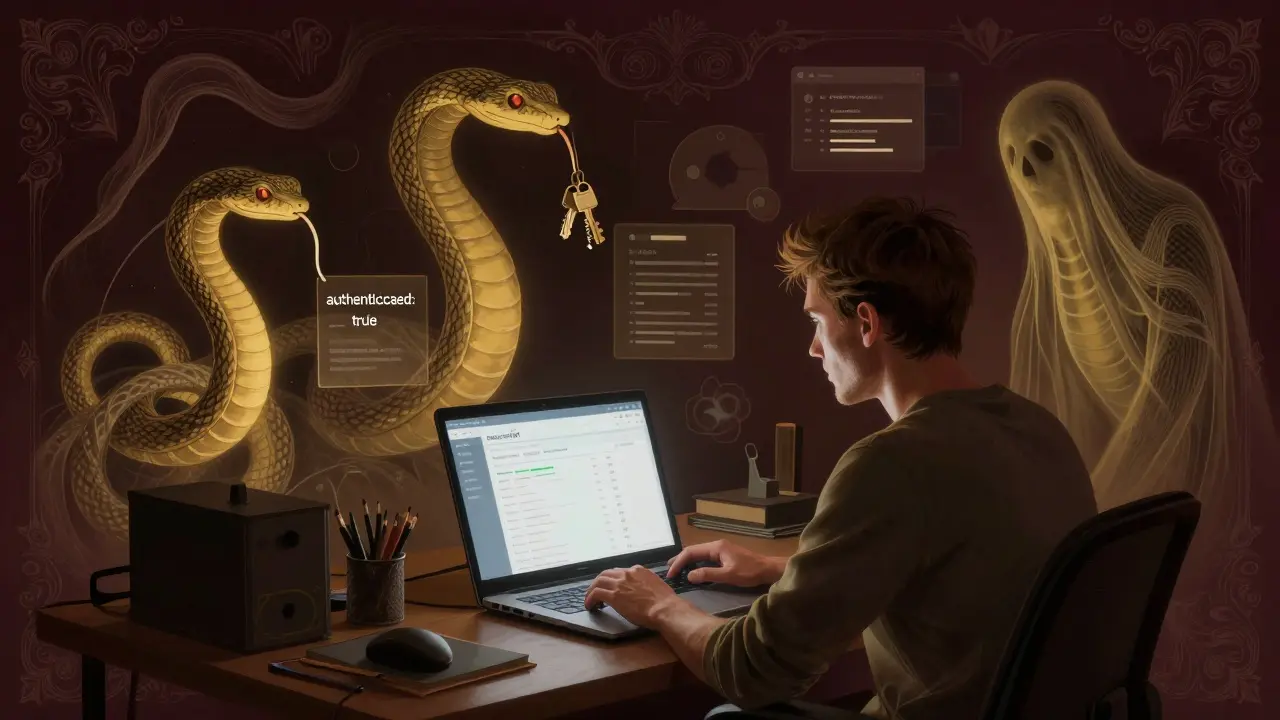
It’s 2026. You’re a product manager. You need a dashboard for your team to track customer support tickets. You type a prompt into your AI coding assistant: "Build a React app with Firebase auth, user roles, and a searchable ticket list." Ten minutes later, it’s done. It works. Everyone’s happy. But here’s the problem - it’s not secure.
That’s the trap of vibe coding. You get a working app fast, but under the hood, it’s full of holes. Security flaws don’t show up when you click buttons or test features. They hide in plain sight - in JavaScript files, environment variables, API endpoints, and default configurations the AI assumed you’d fix. And you didn’t. Because the app works.
How Vibe Coding Creates a False Sense of Security
Vibe coding isn’t magic. It’s AI generating code based on patterns it’s seen before - mostly from public GitHub repos. And guess what? A lot of those repos are insecure. Studies show 31% of public code repositories contain known vulnerabilities. The AI doesn’t know the difference between a secure pattern and a dangerous one. It just mimics what it’s seen.
That’s why apps built with tools like GitHub Copilot, Pythagora, or Lovable.app can look perfect but still be wide open. You get a login page. You get data loading. You get smooth UI transitions. But the moment someone figures out how to bypass authentication or read your database credentials, everything collapses.
Wiz Research found that 20% of vibe-coded apps contain critical vulnerabilities - even though they function perfectly during testing. That’s not a bug. It’s a feature of how AI generates code: it prioritizes functionality over safety.
The Four Most Common Security Flaws in Vibe-Coded Apps
Let’s get specific. Here are the real flaws you’ll find in apps built with AI assistants:
- Client-side authentication (27% of vulnerable apps): The AI generates code that stores user state in browser
localStorageas a simple boolean:"authenticated": true. Attackers open DevTools, change it totrue, and boom - they’re logged in as admin. No password needed. No server check. Just a line of code the AI thought was "fine". - Hardcoded secrets (33%): Database passwords, API keys, and cloud credentials are embedded directly into the app’s source code. In one case, a Pythagora-generated app leaked OpenAI API tokens worth $30,000 because the AI copied a template that included credentials in a config file. The developer didn’t notice. The app worked. So they deployed it.
- Insecure data access (22%): The AI builds an API endpoint like
/api/files/{id}but forgets to check if the user owns that file. An attacker just changes the ID from123to124,125, and starts downloading private documents - payroll files, HR records, internal chats. No authentication middleware. No ownership checks. Just "it works". - Exposed internal tools (18%): Developers use vibe coding to build internal dashboards, then deploy them publicly because "it’s just for the team." Wiz found over 1,200 publicly accessible internal knowledge bases, chatbots, and admin panels - all built with vibe coding tools. No login. No IP restrictions. Just a URL you can find with a simple Google search.
These aren’t edge cases. These are the norm. And they’re invisible to standard testing. Your QA team tests the UI. They don’t check if you can read /etc/passwd by sending ..\/..\/..\/etc\/passwd as a filename. The AI didn’t sanitize input. It just assumed you’d handle it.
Why Traditional Security Tools Fail
Static analysis tools (SAST) scan code for known patterns. But vibe-coded apps don’t look like they have vulnerabilities. They look clean. Functional. Even elegant.
Take CWE-94 (code injection). The AI generates a script that runs user input as code. It works. So the tool says "no problem." But if someone types rm -rf / into a form field, it executes. The tool doesn’t flag it because the code structure is valid.
Same with CWE-306 (missing authentication). The AI doesn’t know you need a session check. It just builds what it’s seen. So 42% of vibe-coded apps have no user context validation. That’s not a mistake. That’s the AI’s default behavior.
Even GitHub’s secret scanning didn’t catch most of these until January 2025. Before that, hardcoded credentials slipped through because the AI generated them in obscure places - inside JSON files, hidden in comments, or buried in minified JavaScript.

Who’s Building These Apps? And Why Don’t They Know?
You might think this is happening only in startups or reckless teams. It’s not.
A survey of 1,200 vibe coders showed:
- 63% had no formal security training
- 78% trusted AI-generated code without reviewing it
- 58% didn’t know how to secure AI-generated code
- Only 37% of templates included security guidance
Developers aren’t lazy. They’re overwhelmed. They’re told to move fast. They’re told AI will handle the details. And it does - but not the right ones.
Meanwhile, security teams are scrambling. Gartner says 67% of enterprise security teams now list vibe coding as a top-three risk. But most don’t have tools to detect these flaws. Until recently, there was no way to scan for "client-side auth bypass" or "AI-generated hardcoded secrets." Now, tools like Wiz’s VibeGuard are starting to fill that gap - but adoption is slow.
What’s Being Done? And Is It Enough?
There’s progress. GitHub now scans for secrets in AI-generated code. OWASP added "AI-Generated Code Vulnerabilities" to its 2025 Top 10 list. NIST released Special Publication 1800-38 to define security requirements for AI-assisted development.
But here’s the problem: the AI is still being trained on insecure code. GitHub has 31% of public repos with known vulnerabilities. The AI learns from that. So every new app it generates carries the same risks.
MIT researchers are trying to fix this with reinforcement learning - training models to prefer secure patterns over functional ones. But that’s still experimental. Don’t count on it for another two years.
Right now, the only reliable fix is human oversight. Not more AI. Not better tools. People reading the code.

How to Protect Your Vibe-Coded Apps
If you’re using vibe coding - and you probably are - here’s what you need to do right now:
- Scan for hardcoded secrets - Use GitHub’s secret scanning or a tool like TruffleHog. Look in
.env,config.js,package.json, and anywhere the AI might have copied a template. - Test client-side auth - Open DevTools. Change
localStorage.authtotrue. Can you access admin pages? If yes, you’re vulnerable. - Check data access - Try accessing another user’s data by changing IDs in URLs. If you get it, you need server-side ownership checks.
- Block public access - If it’s an internal tool, it should not be on the internet. Use IP whitelisting, VPNs, or password protection. Don’t trust "it’s just for the team."
- Train your team - Even 30 minutes of security basics can prevent a breach. Focus on input validation, authentication, and how to spot hardcoded credentials.
There’s no shortcut. AI won’t save you from bad security. It’ll make it easier to build - and easier to break.
The Hard Truth
Vibe coding isn’t going away. It’s too fast, too cheap, too tempting. But security isn’t optional. And you can’t outsource it to an AI.
Every app you build with vibe coding is a ticking time bomb - unless you check it. The fact that it works doesn’t mean it’s safe. In fact, the more it works, the more dangerous it is.
Functionality is the enemy of security in vibe-coded apps. Because when something works, you stop looking.
Can AI coding assistants like GitHub Copilot be trusted for secure development?
No, not without manual review. AI tools like GitHub Copilot generate code based on patterns from public repositories - many of which contain known vulnerabilities. While they speed up development, they don’t understand security context. They’ll generate code that works but isn’t safe - like embedding API keys in JavaScript or skipping authentication checks. Always audit AI-generated code with security tools and human review.
What’s the most common security flaw in vibe-coded apps?
Hardcoded secrets are the most common, found in 33% of vulnerable apps. This includes API keys, database passwords, and cloud credentials embedded directly in source code files. Attackers can extract these with simple scripts or by browsing public repositories. One case involved $30,000 in stolen OpenAI API tokens because a vibe-coded app included credentials from a template.
Why don’t standard security scans catch these flaws?
Standard static analysis tools (SAST) look for known vulnerability patterns, but vibe-coded apps often appear clean and functional. The flaws are subtle: missing auth checks, insecure defaults, or logic that works under normal use but breaks under attack. For example, an app might allow access to any user’s data by changing an ID in the URL - something a functional test won’t catch because it’s not a bug, it’s a design flaw.
Are there tools specifically designed to detect vibe coding vulnerabilities?
Yes. Wiz launched VibeGuard in February 2025 to detect client-side authentication bypasses and exposed internal tools. GitHub added secret scanning for AI-generated code in January 2025. OWASP also added "AI-Generated Code Vulnerabilities" to its 2025 Top 10 list with specific mitigation guidance. These tools are still emerging, but they’re the first step toward addressing the unique risks of vibe coding.
How can developers learn to build secure vibe-coded apps?
Start with training on input validation, authentication flows, and secret management. The SANS Institute recommends 120-150 additional hours of security training for developers using AI coding assistants. Focus on recognizing patterns like hardcoded credentials, unchecked user inputs, and client-side state management. Always assume AI-generated code is vulnerable until proven otherwise. Use templates with built-in security checks, and never deploy without reviewing the generated code line by line.





Deepak Sungra
February 19, 2026 AT 10:39Mike Marciniak
February 19, 2026 AT 22:24VIRENDER KAUL
February 20, 2026 AT 20:41Mbuyiselwa Cindi
February 22, 2026 AT 09:37Krzysztof Lasocki
February 22, 2026 AT 21:13Henry Kelley
February 22, 2026 AT 21:59Victoria Kingsbury
February 23, 2026 AT 03:02Tonya Trottman
February 24, 2026 AT 19:00Rocky Wyatt
February 25, 2026 AT 08:36