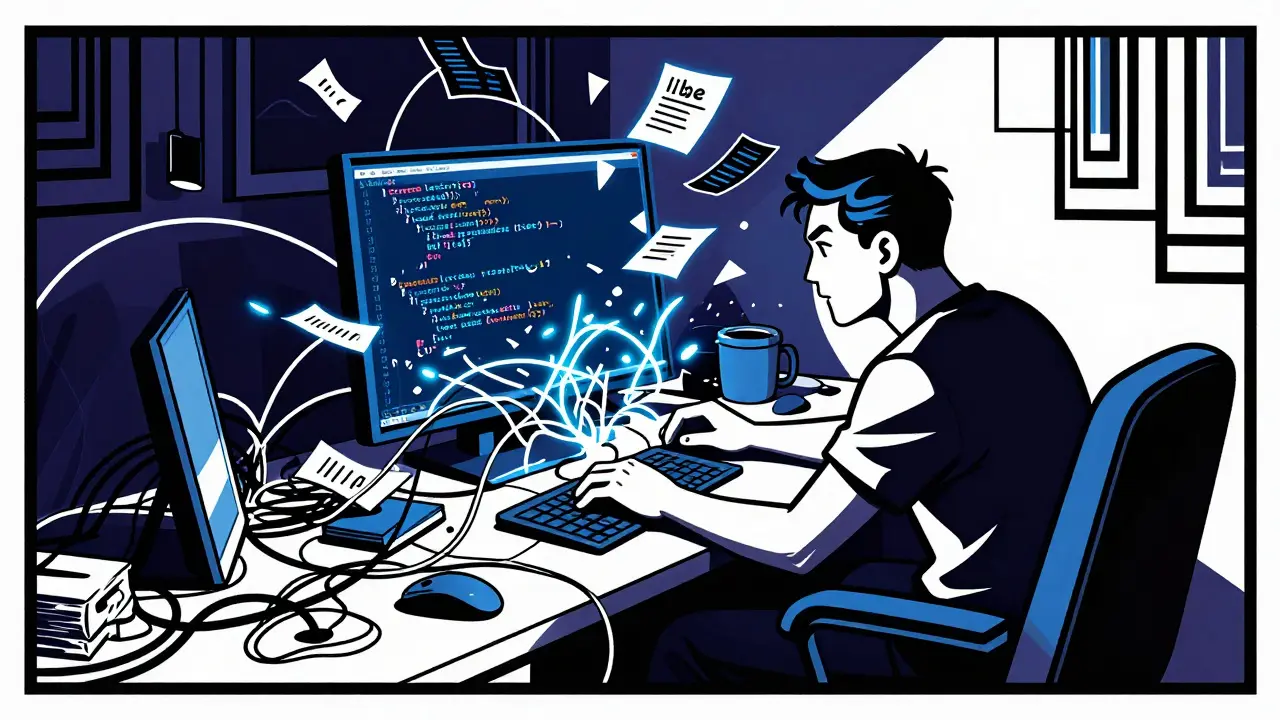
You know the feeling. You sit down to code a new feature, type a quick prompt into your AI assistant, and watch it churn out lines of code in seconds. It looks good. It compiles. But an hour later, you realize the logic doesn't fit your existing database schema, or worse, it breaks a critical dependency elsewhere in the system. This is the classic trap of "vibe coding"-fast, exploratory prompting that often leads to fragile, hard-to-maintain messes.
There is a better way. Enter vibe speccing, which is a workflow where developers use AI to generate structured requirements, specifications, and design diagrams before writing any implementation code. Instead of jumping straight to code, you pause for five to thirty minutes to let the AI help you define the problem, map the architecture, and visualize the data flow. The result? Fewer bugs, less rework, and code that actually fits your system. Let’s look at how this works, why it matters, and how you can start using it today.
What Is Vibe Speccing?
Vibe speccing is essentially a bridge between chaotic "vibe coding" and rigid, old-school waterfall documentation. "Vibe coding" became popular around 2023-2024 as developers started using large language models (LLMs) like GPT-4 or Claude 3 to write entire features by just asking nicely. It’s fast, but it lacks structure. Vibe speccing takes that speed and adds a layer of discipline.
The core idea is simple: spend a little time upfront to create a shared source of truth for both you and the AI. By generating a spec document first, you force the AI-and yourself-to think about constraints, success criteria, and architectural fit before a single line of code is written. Advocates like Luke Bechtel and Erik Hanchett argue that this extra step saves hours of debugging later because the AI isn’t guessing what you want; it’s following a plan you’ve already approved.
The Four-Phase Specification-Driven Loop
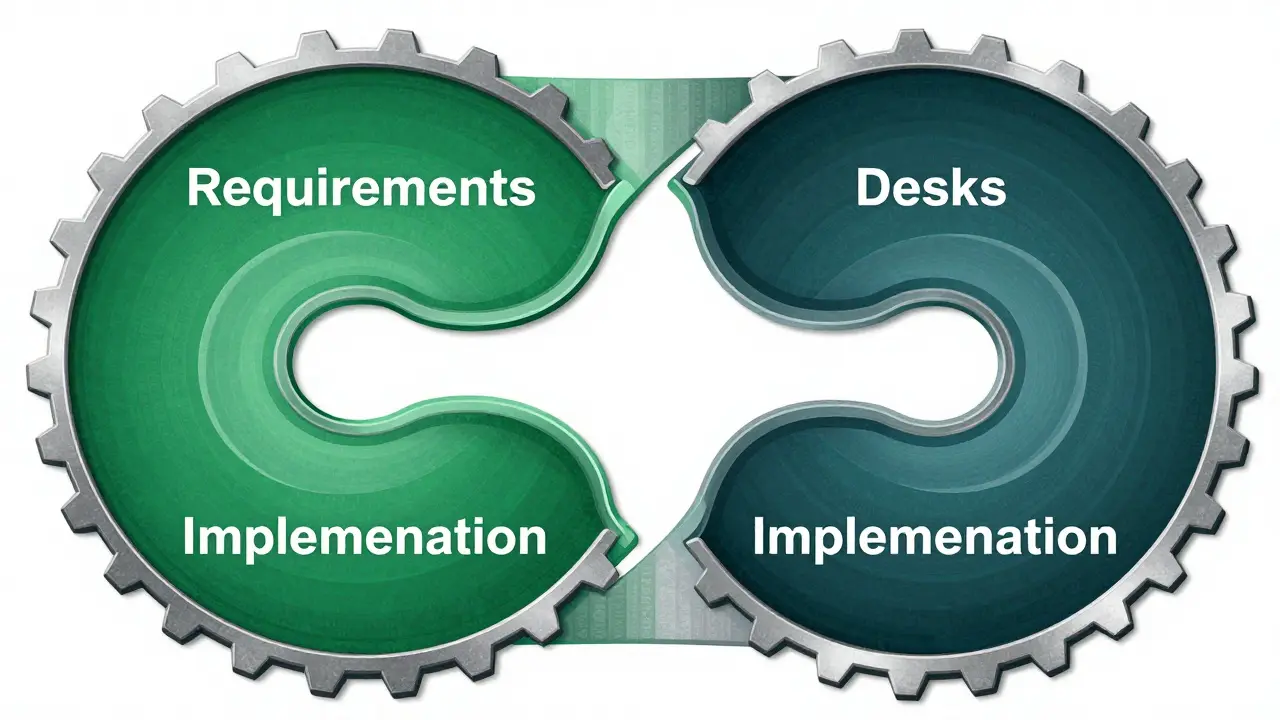
To make vibe speccing work, you need a repeatable process. Many teams are adopting a four-phase loop known as Specification-Driven Development (SDD). Here is how it breaks down:
- Requirements Phase: You ask the AI to draft a `requirements.md` file. This document answers "What are we building?" It includes user problems, success metrics, and explicit acceptance criteria. For example, instead of saying "make a login page," you specify "create a login flow that supports OAuth2 with Google and GitHub, with a 5-minute token expiry."
- Design Phase: Based on the requirements, the AI generates a `design.md` file. This covers "How will we build it?" It details technology choices, data structures, and crucially, includes diagrams. This is where you define if you’re using serverless functions, microservices, or a monolith.
- Tasks Phase: The AI creates a `tasks.md` checklist. This breaks the design into small, executable steps, such as "Create API endpoint for /auth/google" or "Write unit tests for token validation." These tasks can be directly imported into tools like Jira or GitHub Issues.
- Implementation Phase: Only now does the AI write code. And here is the key: it references the previous three documents as ground truth. If the code deviates from the spec, you catch it immediately.
This loop ensures that every piece of code has a clear reason for existing. It turns vague ideas into concrete, testable artifacts.
The Power of AI-Generated Diagrams
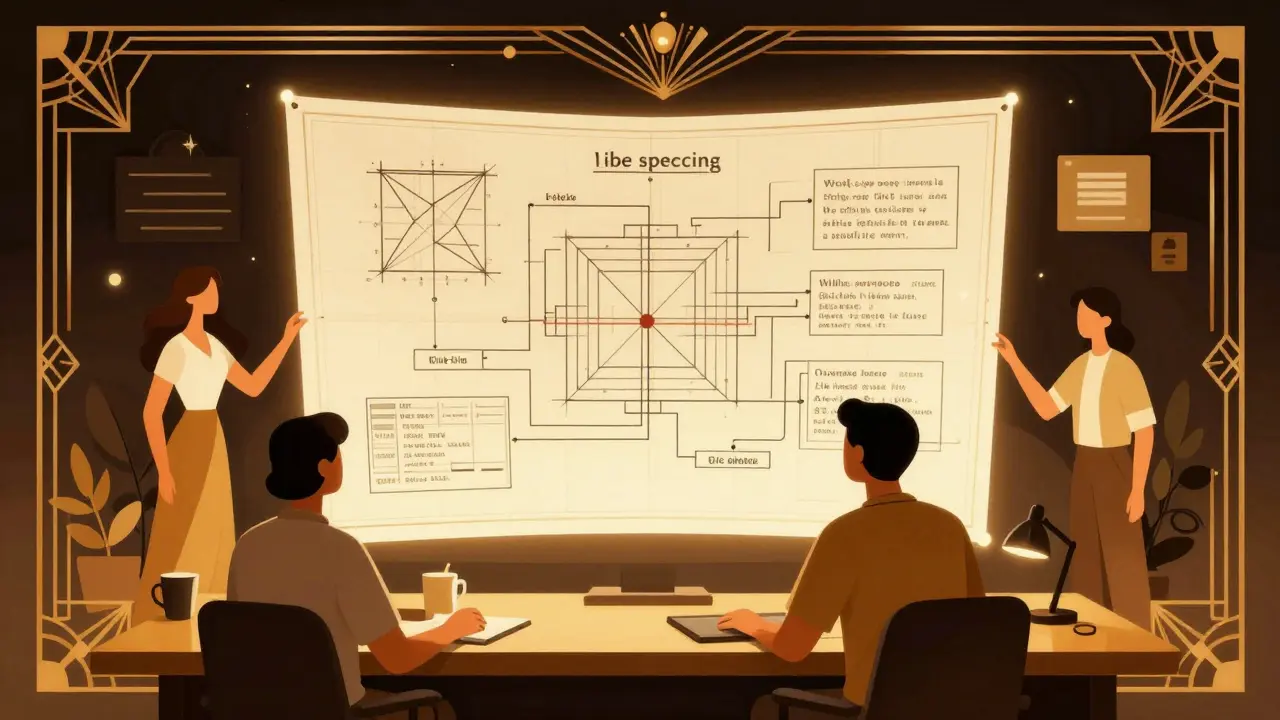
One of the most overlooked benefits of vibe speccing is the ability to generate visual aids quickly. Text specs are great, but humans are visual creatures. In the Design Phase, you can instruct your AI assistant to create diagrams using text-based languages like Mermaid or PlantUML.
For instance, you might ask the AI to generate a Mermaid sequence diagram showing how a React frontend communicates with a Node.js API and a PostgreSQL database. The AI outputs a code block that renders instantly in your IDE or Markdown viewer. These diagrams serve two purposes:
- Clarity: They help you spot logical gaps or missing connections before you code them. Did you forget to handle error responses? The diagram will show a broken link.
- Communication: They make it easier to explain complex changes to stakeholders who don’t read code. A clean component diagram is far more persuasive than a wall of text.
Because these diagrams are stored as text files alongside your code, they stay version-controlled and easy to update as your project evolves.
| Feature | Pure Vibe Coding | Vibe Speccing |
|---|---|---|
| Speed to Code | Instant (minutes) | Slower (5-30 mins upfront) |
| Architectural Fit | Low (often generic) | High (aligned with system) |
| Regression Risk | High | Low (60-80% reduction claimed) |
| Best For | Prototypes, one-off scripts | Production features, complex integrations |
| Maintenance | Hard (no context) | Easy (specs act as docs) |
Setting Up Your Workflow in Cursor or Windsurf
You don’t need new software to start vibe speccing. Modern AI-integrated IDEs like Cursor or Windsurf are perfect for this. Here is a practical setup based on Luke Bechtel’s recommendations:
- Create a Spec Directory: Make a folder called `.cursor/scopes` or `/docs/specs` in your project root. This is where all your requirement and design files will live.
- Add a Persistent Rule: In your IDE settings, add a rule that says: "Whenever I ask for a feature, first ask me if I want to create a Spec. If yes, generate a Markdown file in .cursor/scopes/FeatureName.md."
- Use the Interview Mode: When the AI generates the spec, don’t just accept it. Treat it like a conversation. Ask it: "What edge cases did you miss?" or "Does this align with our hexagonal architecture?" Refine the text until it matches your intent.
- Gate the Implementation: Do not let the AI write code until you explicitly type "GO!" or "Approve Spec." This mental pause prevents accidental execution of flawed plans.
This setup costs nothing but a few minutes of configuration. The payoff is a cleaner, more predictable development process.
Common Pitfalls and How to Avoid Them
Vibe speccing is powerful, but it’s not magic. There are risks if you do it wrong. Here are the biggest traps developers fall into:
- Spec Drift: If you change the code later without updating the spec, the documentation becomes stale. Future AI prompts will rely on outdated info, leading to errors. Treat specs like code: review them in pull requests and keep them updated.
- Hallucinated Constraints: LLMs can invent plausible-sounding technologies or rules that don’t exist. Always manually review the Requirements and Design phases. Check for fake libraries or incorrect API endpoints before proceeding.
- Overhead for Small Tasks: Don’t vibe-spec a simple typo fix or a one-line refactor. That’s overkill. Reserve this workflow for multi-file features, new APIs, or changes that touch core data models.
- Treating Specs as Rigid Contracts: Specs are living documents. If you find a better way during implementation, update the spec. Don’t let bureaucracy slow you down; let clarity speed you up.
Avoiding these pitfalls means staying engaged. You are still the architect; the AI is just your junior developer helping you draft the blueprints.
When to Use Vibe Speccing
Not every task needs a full spec. Knowing when to apply this workflow is key to maintaining productivity. Use vibe speccing when:
- Building New Features: Any feature that requires multiple files, database changes, or external API integrations.
- Integrating Legacy Systems: When working with older codebases, the AI needs context to avoid breaking things. A spec forces it to analyze existing patterns first.
- Team Collaboration: If multiple developers are working on a module, a shared spec ensures everyone builds the same thing.
- Complex Logic: Algorithms, security flows, or state management systems benefit greatly from visual diagrams and explicit acceptance criteria.
Conversely, skip the spec for quick fixes, UI styling tweaks, or isolated utility functions where the risk of architectural mismatch is low.
Is vibe speccing the same as traditional documentation?
No. Traditional documentation is often static, written after the fact, and rarely updated. Vibe speccing is dynamic and collaborative. You generate the spec with AI before coding, treat it as a living artifact, and use it to guide the AI’s implementation. It’s part of the development process, not an afterthought.
Do I need expensive tools to practice vibe speccing?
No. You only need an AI coding assistant like GitHub Copilot, Cursor, or Claude Code. Most of these cost between $10 and $30 per month. The real investment is your time-spending those extra 5-30 minutes upfront to create high-quality specs.
How do AI-generated diagrams help reduce bugs?
Diagrams force you to visualize data flow and component interactions. Often, you’ll see a missing connection or a circular dependency in a Mermaid diagram that you wouldn’t have noticed in text. Catching these logical errors before coding saves significant debugging time.
Can I use vibe speccing for solo projects?
Absolutely. Even if you’re the only developer, vibe speccing helps you organize your thoughts and maintain consistency over time. It acts as a memory aid, ensuring your future self understands why certain architectural decisions were made.
What happens if the AI hallucinates in the spec?
This is why manual review is critical. Before moving to the implementation phase, always check the spec for factual accuracy. Verify library names, API endpoints, and database schemas. Treat the AI’s output as a draft, not a final authority.







Indi s
May 20, 2026 AT 11:40I really get what you are saying here. It is so easy to just rush into coding and then feel bad later when things break. I think taking that extra time helps a lot. It makes me feel less stressed about the future bugs. Thanks for sharing this simple idea.
Rohit Sen
May 21, 2026 AT 07:18Amateur hour. Real engineers don't need AI hand-holding or 'vibes'. This is just bureaucratic bloat repackaged as innovation. Stick to the classics.
Vimal Kumar
May 21, 2026 AT 17:26Hey Rohit, no need to be harsh! I actually find this approach super helpful for my team. We used to jump straight in too, but now we pause for five minutes. It really helps us stay on the same page. If you give it a try, maybe you will see the value. No pressure though!
Geet Ramchandani
May 22, 2026 AT 13:08This entire concept is fundamentally flawed because it assumes that documentation, which has historically been the graveyard of productivity in software development, can somehow be salvaged by slapping an AI wrapper around it and calling it 'speccing' instead of the tedious, soul-crushing administrative overhead that it inherently is, thereby ignoring the fact that most developers already spend more time reading their own code than writing it, and adding another layer of markdown files to parse only serves to dilute the cognitive bandwidth required for actual problem-solving, not to mention the sheer absurdity of expecting an LLM, which is statistically prone to hallucination and lacks true semantic understanding of architectural constraints, to generate reliable specifications without constant human intervention, which defeats the purpose of automation entirely, creating a paradoxical situation where one must work harder to verify the output of a tool designed to reduce workload, all while the industry chases after these trendy buzzwords that promise silver bullet solutions to complex engineering challenges that simply do not exist in such a neat package.
Pooja Kalra
May 23, 2026 AT 06:27The mind precedes the code. To skip the contemplation is to build on sand. Silence is the true spec.
Sumit SM
May 24, 2026 AT 09:54Indeed!; The structure is vital;; But who decides the rules?; Chaos reigns supreme!; Or does order prevail?; We must choose!; Now!!