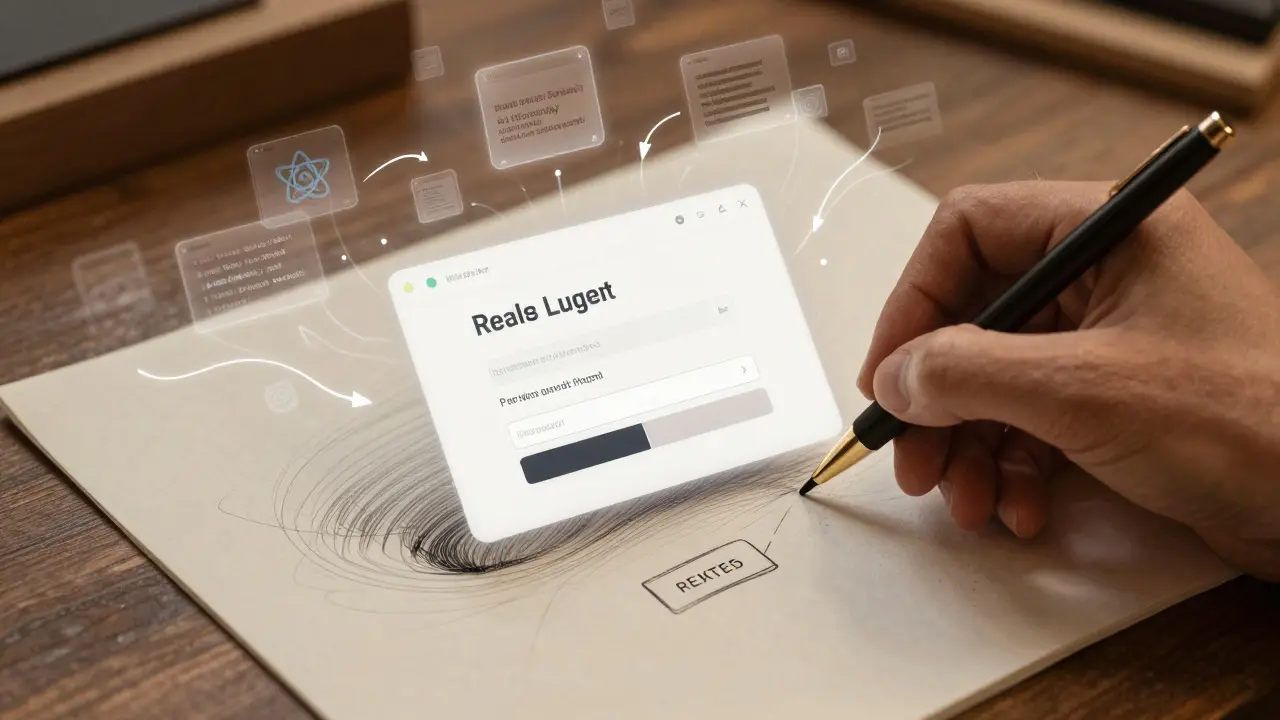
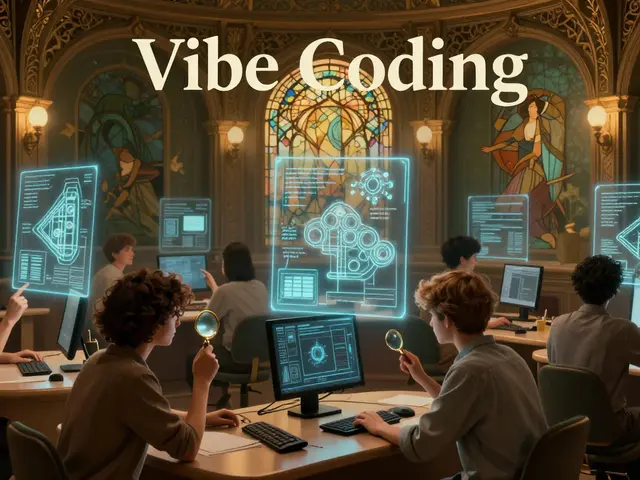
Imagine sketching a screen on a napkin, snapping a photo, and getting fully working code in under 10 seconds. No typing. No debugging. Just multimodal vibe coding-a new way to build software that’s changing how teams create apps.
This isn’t science fiction. By early 2026, tools like GitHub Copilot Vision, Claude 3.2, and Amazon CodeWhisperer Visual let developers upload hand-drawn wireframes, Figma designs, or even screenshots from phone mockups-and instantly generate React, Vue, or Flutter code. The shift is real: developers aren’t writing code anymore. They’re guiding AI with visuals, voice, and simple descriptions. Andrej Karpathy called it "giving in to the vibes," and millions are listening.
How It Actually Works
Multimodal vibe coding combines two powerful AI systems: vision-language models (VLMs) and code-generating large language models (LLMs). When you upload a mockup, the system first analyzes it like a human designer would. It identifies buttons, input fields, spacing, colors, and layout patterns. Then it matches those elements to known UI frameworks-like Material Design or Apple’s UIKit-and generates matching code.
For example, if you draw a login screen with two fields and a "Sign In" button, the AI doesn’t just copy-paste a template. It figures out:
- This is a form requiring email and password validation
- The button should trigger an authentication call
- The layout needs to be responsive on mobile
- Use React with useState for form state
Then it outputs clean, functional code. Benchmarks from IEEE Software show these systems get it right 78-89% of the time for basic screens. That’s faster than a junior dev can set up a project.
Speed That Changes Everything
Traditional development takes hours. Multimodal vibe coding takes minutes.
Tanium’s October 2025 study found that turning a single UI screen into working code manually takes 2-4 hours. With vibe coding? 3-15 minutes-including time to tweak the output. Teams using this method report cutting prototyping time by 63% compared to older AI tools like standard GitHub Copilot.
One startup founder built 12 investor-ready prototypes in 48 hours using just voice commands and sketch photos. Another team built an internal inventory tracker in 3 hours that would’ve taken 2 weeks using traditional methods. That’s not just efficiency-it’s a new rhythm for product development.
Who’s Using It-and Who Isn’t
The adoption split is stark. Startups and internal teams are all-in. Fortune 500 companies? Not so much.
According to Tanium’s November 2025 survey of 500 IT leaders:
- 87% use multimodal vibe coding for internal tools and rapid prototyping
- Only 22% use it for production apps
- 76% of startups rely on it as their primary development method
Why the hesitation? Security and control. SANS Institute found that 18.7% of AI-generated code from these systems contained hidden vulnerabilities-things like hardcoded API keys or unvalidated inputs that look fine in a mockup but are dangerous in production. In regulated industries like finance and healthcare, that’s a dealbreaker.
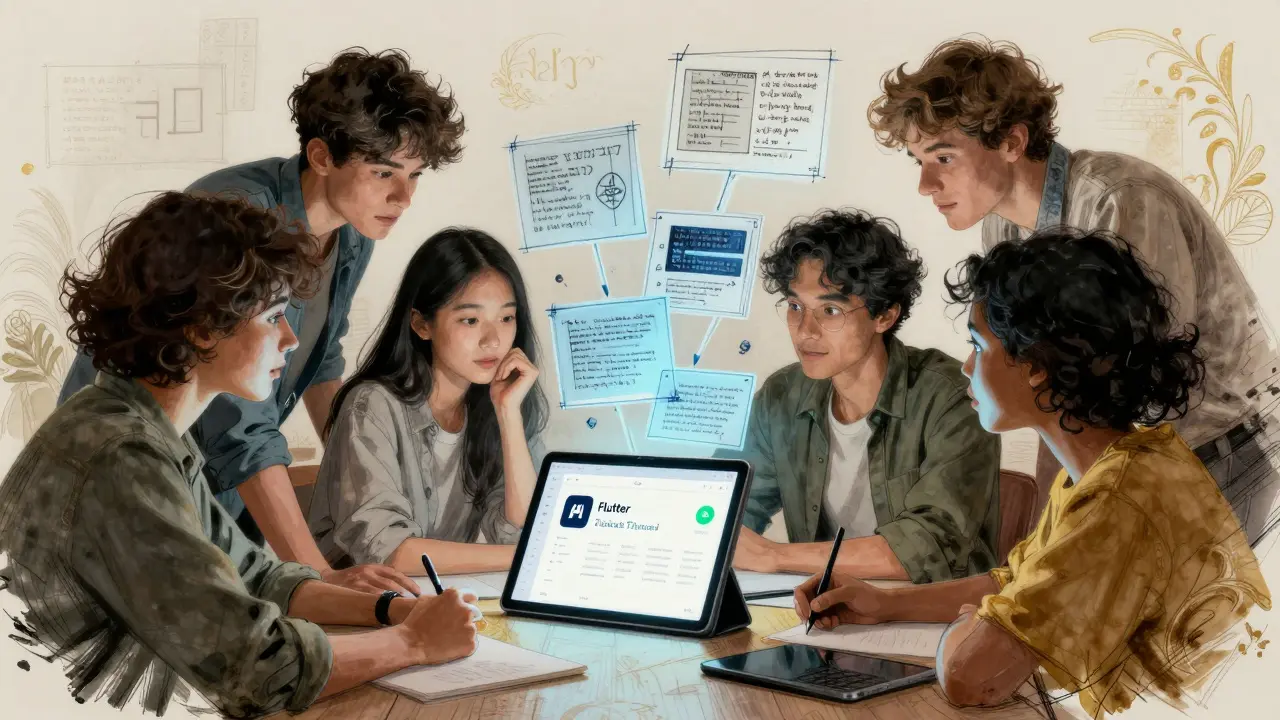
Meanwhile, product managers, designers, and even marketing teams are jumping in. TechTarget reports that 57% of organizations now have non-developers directly contributing to code via visual inputs. No more waiting for a dev team. You sketch it. The AI builds it. You test it. Iterate. Done.
The Dark Side: The "Magic Box" Problem
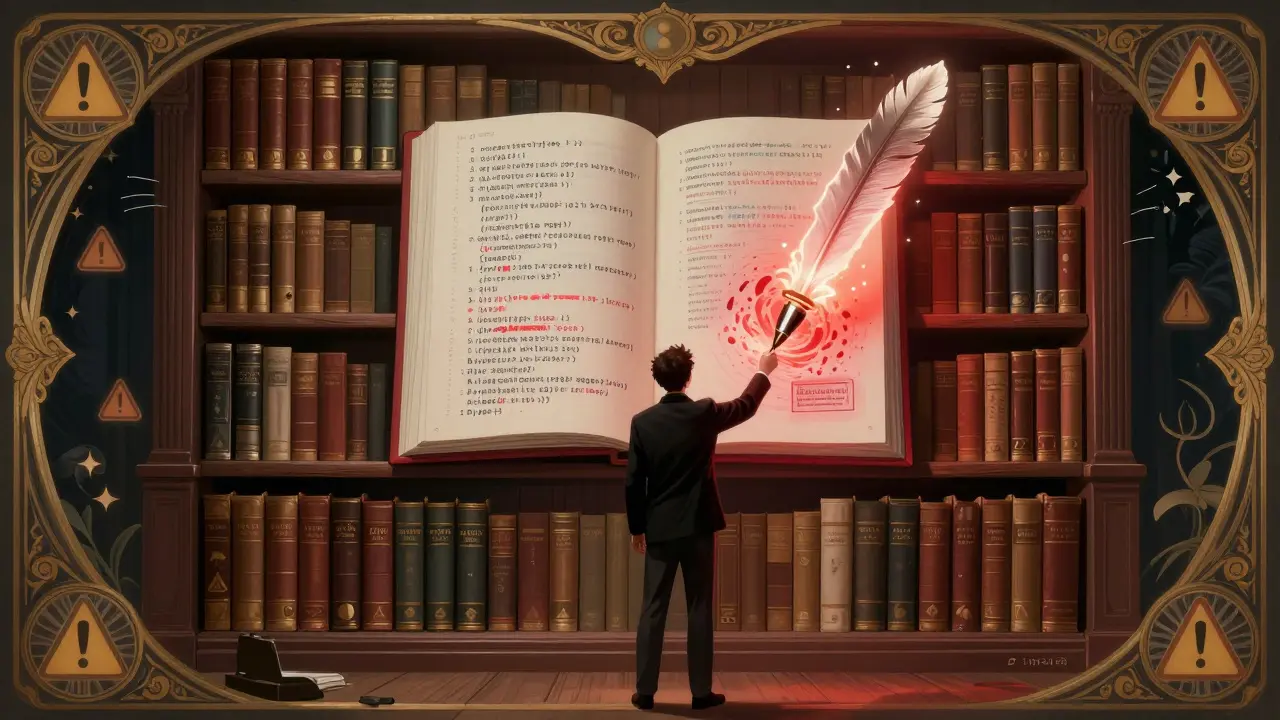
Here’s the catch: you don’t always understand what the AI wrote.
Michael Berthold of KNIME put it bluntly: "Vibe coding rarely produces predictable, reproducible, or explainable systems." That’s the "black box" issue. When something breaks, you can’t debug it if you didn’t write it.
Reddit threads are full of stories like this:
- "Built a dashboard that looked perfect. Then it crashed under 500 users. Took me 3 weeks to reverse-engineer the AI’s spaghetti code."
- "The AI generated React code, but I needed Vue. Had to rebuild everything from scratch."
63% of negative user reviews cite "difficulty understanding and modifying generated code" as their biggest frustration. G2 Crowd’s data confirms it: 78% love the speed. 63% hate the lack of control.
True vibe coding, as Simon Willison points out, means accepting code you don’t fully understand. If you’re reviewing every line, you’re not vibe coding-you’re just using AI as a fancy autocomplete.
Getting Started: Tools and Tips
Ready to try it? Here’s what’s out there:
- GitHub Copilot Vision ($19/user/month): Best for React, Vue, and Flutter. 38% market share. Handles hand-drawn sketches surprisingly well.
- Claude 3.2 (free tier available): Adds "Code Confidence Scores"-flags risky sections with warnings. Great for learning what to double-check.
- Amazon CodeWhisperer Visual ($0.001 per image): Cheapest option. Works with AWS services. Best for internal tools.
Pro tips from top users:
- Be specific. Don’t just say "make a login screen." Say: "Use Material UI components like in this screenshot. Validate email format. Connect to Firebase Auth."
- Give multiple references. Upload 2-3 mockups. The AI learns patterns faster.
- Specify versions. "React 18", "Tailwind CSS v3"-this cuts framework confusion by 41%.
- Always test. Run security scans. Test edge cases. Never assume the AI got it right.
GitHub’s "Multimodal Vibe Coding: 10 Pro Tips" gist has over 2,300 stars for good reason. It’s the cheat sheet nobody taught you.
What’s Coming Next
The next 12 months will fix the biggest flaws:
- Explain Mode (Q4 2026): AI will generate natural language summaries of its code. "This button triggers a POST request to /api/login with email and password fields."
- Auto-Accessibility Checks (Q2 2026): Tools will flag contrast ratios, ARIA labels, and keyboard navigation issues before you even test.
- Figma & Adobe XD Integration (Q3 2026): Click "Export to Code" directly from your design file. No screenshots needed.
By 2027, Gartner predicts the market will hit $4.8 billion. Forrester says 45% of new prototypes will be built this way.
But here’s the real question: Will this replace developers? No. It will replace slow developers. Those who cling to writing every line manually will be left behind. The winners? Those who learn to guide AI, not replace it.
Final Thought: The New Developer Skill
The future of coding isn’t about memorizing syntax. It’s about asking better questions.
Can you describe a feature clearly? Can you sketch a flow? Can you recognize when the AI got it wrong? Those are the new core skills.
For the first time in history, you don’t need to know how to code to build software. You just need to know what you want-and how to show it.




Ronak Khandelwal
March 6, 2026 AT 13:11Imagine a kid in Mumbai sketching a app idea on their notebook and boom-working prototype in 8 seconds. No degree needed. No gatekeeping. Just pure creation.
AI isn’t replacing devs-it’s giving voice to the voiceless who never got a chance to build.
I’ve seen non-tech teachers build simple attendance trackers. Single moms making apps for their PTA. Grandparents designing care apps for their grandkids.
This isn’t just efficiency. It’s equity.
Let’s not forget: every great tech revolution started with someone scribbling on a napkin.
Now we’re just giving that napkin superpowers. 💥
Who’s ready to stop typing and start *feeling* the code?
Jeff Napier
March 7, 2026 AT 07:19Turns out people still need engineers.
This is just AI pretending to be a designer while stealing your job under the guise of 'vibes'.
78% accuracy? That means 1 in 5 apps has a backdoor.
And you're telling me a product manager can just 'sketch' a banking UI and ship it?
LOL.
Next they'll let toddlers write nuclear launch codes with crayons.
Sibusiso Ernest Masilela
March 8, 2026 AT 14:01You’re all just playing pretend while real engineers are out here optimizing kernel-level memory allocation in Rust.
This 'vibe coding' nonsense is the digital equivalent of a TikTok dancer calling themselves a ballerina.
78% accuracy? That’s not innovation-that’s a bug waiting to crash a hospital system.
And you call this progress?
Pathetic.
Real developers don’t need AI to tell them what a button should do. We *invent* the button.
Daniel Kennedy
March 9, 2026 AT 13:03Yes, security is a real issue. Yes, spaghetti code happens.
But let’s not throw the baby out with the bathwater.
Tools like Claude 3.2’s Code Confidence Scores? That’s a *bridge*, not a band-aid.
And yes, 18.7% of generated code has vulnerabilities-but that’s still better than legacy codebases written by devs under deadline pressure in 2012.
We don’t need to eliminate vibe coding-we need to *teach* it.
Integrate security scans into the workflow. Train PMs to read code summaries. Make explainability part of the toolchain.
This isn’t about replacing devs. It’s about evolving them.
And honestly? If you’re scared of a tool that lets you build faster, maybe you’re clinging to the past.
Taylor Hayes
March 9, 2026 AT 19:42First time I used it, I drew a dumb little task tracker on my iPad and it spat out a working React app with localStorage. I cried a little.
Then I showed it to our marketing team-they built a campaign dashboard in 20 minutes that took our dev team 3 days last year.
But yeah, the first version had a bug where it didn’t handle empty states. Took me 10 minutes to fix.
That’s the new skill: not writing code, but *reviewing* it.
It’s like proofreading a novel written by a genius who doesn’t know grammar.
You still need to care. You still need to check.
But now? You can do it in half the time.
Sanjay Mittal
March 9, 2026 AT 22:54Local workers draw UIs on paper. We snap pics. AI generates code. Deploy on old Android tablets.
No internet? No problem. Offline mode works.
One village now tracks vaccine storage temps automatically.
Before? They used Excel sheets on Excel phones.
Yes, the code is messy. Yes, we audit it.
But 3000 people get better care now.
That’s not magic. That’s impact.
Mike Zhong
March 10, 2026 AT 20:33If you can build software without understanding it, are you still a creator?
Or just a curator of AI outputs?
When the AI writes the code, who owns the intellectual labor?
Is the person who drew the sketch the author?
Is the engineer who reviewed it?
Is the model trained on 10 billion lines of open-source code?
And if we stop learning syntax because the AI does it for us-what happens when the AI fails?
Are we becoming a generation of code illiterates?
This isn’t progress. It’s a slow erosion of mastery.
Jamie Roman
March 12, 2026 AT 11:22When I first started coding, I spent 6 months just learning how to make a button change color.
Now? I sketch a button. AI makes it. I tweak the padding. Done.
At first I felt guilty. Like I was cheating.
But then I realized-I’m not saving time because I’m lazy.
I’m saving time because I’m finally free to think about *why* I’m building this.
Not how.
Not syntax.
Not which framework to pick.
But: who needs this?
What problem does it solve?
How does it make someone’s day better?
That’s the part I love.
The rest? The AI does it better than I ever could.
And honestly? I’m okay with that.
Salomi Cummingham
March 14, 2026 AT 06:38This is about *empathy*.
When I was a junior dev, I spent weeks building a feature no one asked for because I was too afraid to ask questions.
Now? My product manager sketches a screen on a sticky note and says, 'This is how I imagine my mom using it.'
And we build it.
Not because it’s 'cool' or 'fast'-but because it’s *human*.
AI doesn’t care about emotion.
But humans? We do.
And now, for the first time, we can turn raw feeling into function without getting lost in the technical weeds.
That’s not a tool.
That’s a bridge between hearts and hardware.
And I’m crying because I didn’t know I needed this until now.