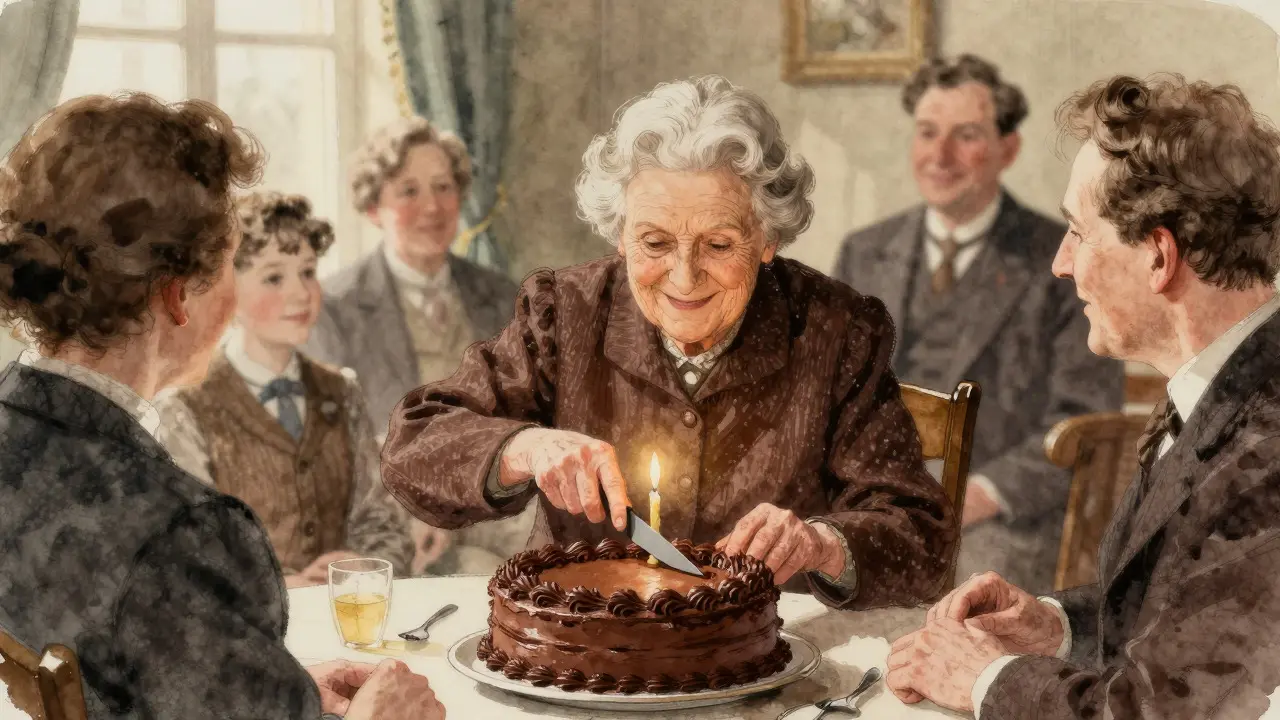
Imagine uploading a photo of your grandmother’s birthday party to your website. You want everyone to see it, including users who rely on screen readers because they are blind or have low vision. In the past, you would have had to manually type out a description like "An elderly woman smiling while cutting a chocolate cake surrounded by family." Now, Generative AI is a branch of artificial intelligence that creates new content, such as text, images, or audio, based on patterns learned from data. Specifically, Multimodal AI models can look at that same image and generate that description for you in seconds.
This technology, known as Image-to-Text is the process of converting visual information into written language using machine learning algorithms, is changing how we handle Alt Text. It promises to make the web more accessible faster than ever before. But does it actually work? And is it safe to use without checking the results? Let’s break down how this works, where it shines, and where it still needs a human touch.
How Image-to-Text Models Actually Work
To understand why these tools are so powerful (and sometimes weirdly wrong), you need to know what’s happening under the hood. These systems aren’t just reading pixels; they are understanding concepts.
The breakthrough came with models like CLIP is Contrastive Language-Image Pre-training, a model developed by OpenAI that links images and text in a shared vector space. Released in 2021, CLIP trains two separate neural networks-one for images and one for text-on hundreds of millions of image-text pairs from the internet. It learns to align them. If you show it a picture of a dog and the word "dog," it recognizes the connection. If you show it a cat, it knows that’s different.
Later, researchers improved this with models like BLIP is Bootstrapping Language-Image Pre-training, an architecture by Salesforce that enhances image captioning and visual question answering. BLIP injects visual information directly into the text generation process, allowing it to write more natural, detailed sentences rather than just listing tags.
Here is the simple workflow:
- Encoding: The AI looks at the image and converts it into a mathematical representation (embeddings).
- Matching: It compares those embeddings against its vast database of text descriptions.
- Generation: It constructs a sentence that best matches the visual data.
This happens in milliseconds. For a developer, this means you can automate the creation of alt text for thousands of product images or blog posts instantly.
Why This Matters for Accessibility
Accessibility isn’t just about being nice; it’s often about legal compliance and reaching a wider audience. According to the World Health Organization, over 2 billion people worldwide experience some form of vision impairment. For them, Alt Text is alternative text that describes an image for users who cannot see it, read by screen reader software is their eyes.
Without alt text, an image is invisible. With bad alt text, it’s confusing. With good alt text, it’s informative.
Manually writing alt text for every image on a large e-commerce site or news portal is impossible for most teams. That’s where image-to-text AI steps in. It scales accessibility. Instead of hiring an army of editors to describe photos, a company can deploy a model to generate drafts automatically.
However, there is a catch. Accuracy matters. If a screen reader user hears "a decorative concrete structure" instead of "a wheelchair ramp," they might miss a critical piece of navigation info. If a shopping site describes a red shirt as blue, the customer buys the wrong item. The stakes are high.
Generative AI vs. Traditional OCR: What’s the Difference?
You might be thinking, "Don’t we already have tools that pull text from images?" Yes, but they do something very different. Let’s compare OCR is Optical Character Recognition, technology that converts scanned documents or images of text into editable digital text with modern Multimodal AI.
| Feature | Traditional OCR (e.g., Tesseract) | Generative AI (e.g., CLIP, BLIP) |
|---|---|---|
| Primary Goal | Extract exact characters and words | Describe scene, objects, and context |
| Input Type | Documents, signs, screenshots with text | Photos, illustrations, complex scenes |
| Understanding | Literal (reads letters) | Semantic (interprets meaning) |
| Accuracy on Clean Text | Very High (~98.5%) | Moderate (varies by complexity) |
| Best Use Case | Digitalizing forms, receipts, books | Generating alt text, image captions, tagging |
If you need to digitize a PDF contract, use OCR. If you need to describe a sunset over the ocean for a blind user, use Generative AI. They solve different problems.
The Problem with Bias and Errors
Here is the hard truth: AI is not neutral. It learns from the internet, and the internet has biases. Researchers have found significant gaps in how well these models perform across different demographics and contexts.
For example, studies have shown that models like CLIP can have significantly lower accuracy when describing images of non-Western cultural contexts compared to Western ones. There is also a documented issue with errors when images contain people with visible disabilities. A model might misinterpret a prosthetic limb or a wheelchair, leading to inaccurate or even offensive descriptions.
Consider this real-world scenario reported by developers: An AI described a stop sign as "a decorative red circle with white text." For a driver, that’s fine. For a pedestrian relying on a screen reader to navigate safely, missing the word "stop" is dangerous.
Another common error is object counting. If you have a photo of five apples, the AI might say "some apples" or "two apples." It struggles with precise enumeration and spatial relationships.
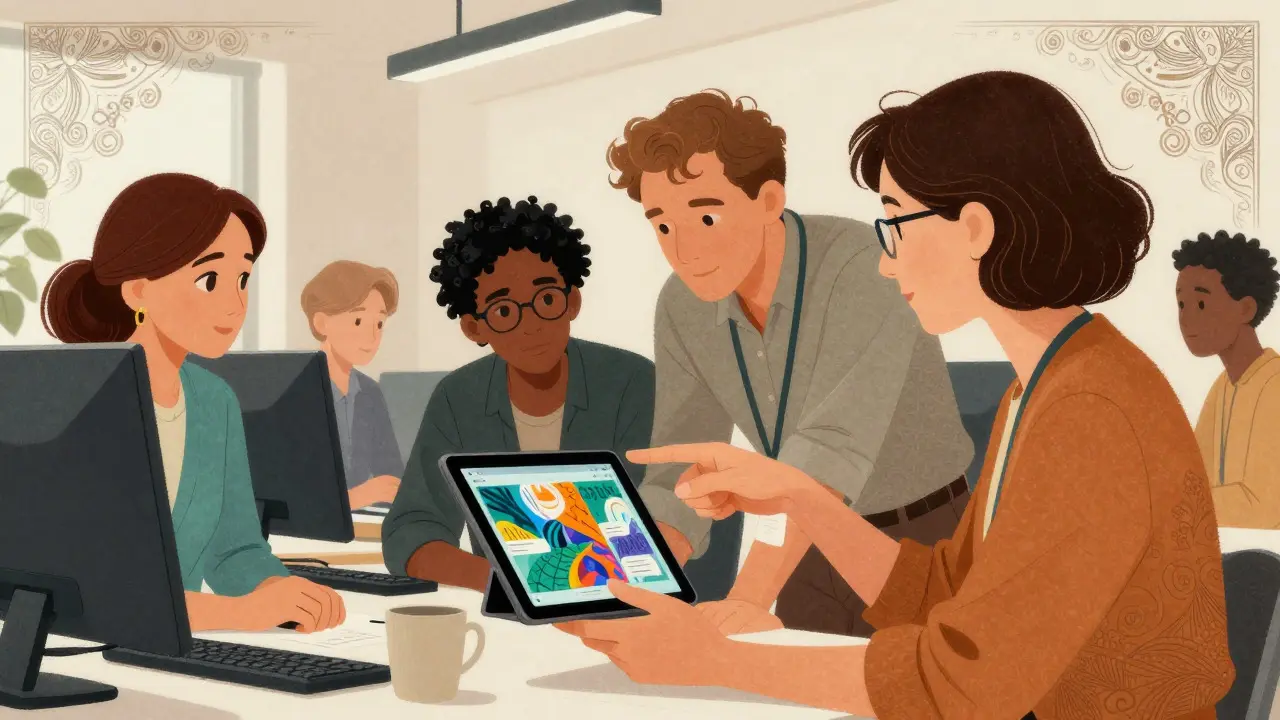
How to Implement Image-to-Text Safely
So, should you use it? Yes, but with guardrails. Here is a practical checklist for integrating image-to-text AI into your workflow:
- Use it as a Draft Generator: Never publish AI-generated alt text without a review step, especially for public-facing content. Treat the AI output as a first draft.
- Human-in-the-Loop for Critical Content: If an image contains safety instructions, medical diagrams, or diverse human subjects, require a human editor to verify the description.
- Choose the Right Model: Look for models trained with accessibility in mind. Newer iterations like BLIP-3 have started incorporating "accessibility-first" training objectives to reduce errors.
- Check for Context: AI often misses the "why" behind an image. If a photo shows a team celebrating, the AI might say "people standing." Add context manually if needed.
- Monitor for Bias: Regularly audit your AI-generated descriptions. Are certain groups being described less accurately? Adjust your prompts or switch models if necessary.
From a technical standpoint, deploying these models requires decent hardware. You’ll likely need GPU instances (like NVIDIA T4s) if running them locally, or you can use APIs provided by cloud providers like AWS SageMaker or Azure Cognitive Services. This keeps costs manageable while ensuring speed.
The Future of Accessible AI
We are moving toward a hybrid future. Fully automated, perfect alt text generation isn’t here yet. Experts predict that by 2027, we might see systems reliable enough for non-critical applications, but for now, the "human-AI partnership" is the gold standard.
New standards are emerging too. The W3C is working on guidelines for verifying AI-generated alt text, pushing for minimum accuracy thresholds, especially for safety-critical elements. This means regulations will soon demand higher quality from these tools.
As models get smarter, they will better understand nuance, emotion, and culture. But until then, the best approach is to use AI to handle the volume, and humans to handle the value. By combining the speed of generative AI with human empathy and oversight, we can build a web that is truly open to everyone.
Is AI-generated alt text legally compliant with WCAG?
WCAG (Web Content Accessibility Guidelines) requires alt text to be accurate and meaningful. While AI can help create alt text, if the description is incorrect or misleading, it fails WCAG compliance. Therefore, AI-generated text must be reviewed to ensure it meets the "accurate" requirement. Unreviewed AI text carries a legal risk if it causes confusion or exclusion.
What is the difference between CLIP and BLIP?
CLIP focuses on matching images to text embeddings, making it great for classification and retrieval. BLIP builds on this by adding a text generation component, allowing it to write full, coherent sentences (captions) about an image. BLIP is generally better for creating descriptive alt text because it generates natural language rather than just keywords.
Can I use image-to-text AI for my entire website automatically?
You can, but it is risky. For internal dashboards or low-stakes blogs, automatic generation might be acceptable. For e-commerce products, news articles, or any content affecting user decisions, you should implement a review workflow. Automated errors can lead to lost sales or accessibility lawsuits.
How accurate are current image-to-text models?
Accuracy varies widely. On simple, clear images, models like BLIP-2 can achieve over 85% accuracy on standard benchmarks. However, for complex scenes, abstract art, or images involving diverse demographics, accuracy drops significantly. Some studies show error rates up to 37% for specific demographic groups, highlighting the need for human verification.
Do I need expensive hardware to run these models?
If you host the models yourself, yes, you typically need GPUs with at least 16GB VRAM for reasonable performance. However, most businesses use API services from providers like AWS, Google Cloud, or Microsoft Azure. These services charge per request, removing the need for heavy infrastructure investment.