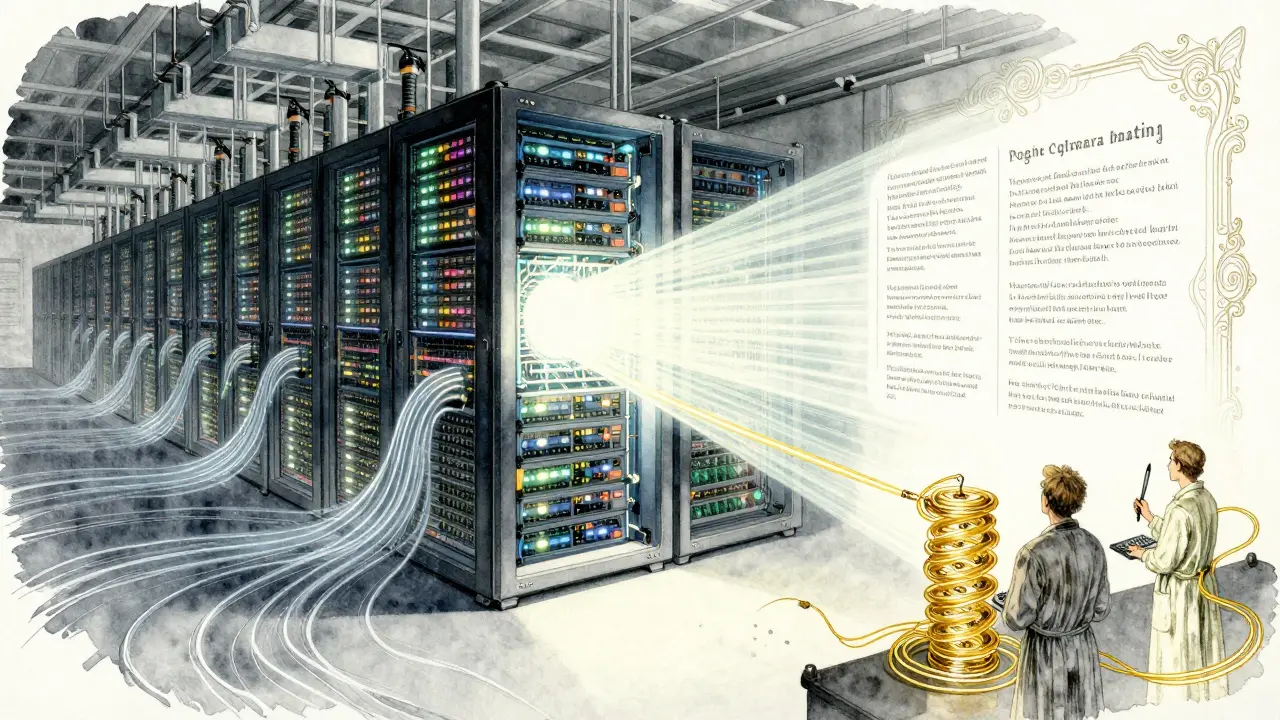
Every time you ask a large language model (LLM) a question, it doesn’t just think-it burns energy. A single query can use up to 10 times more power than a Google search. That adds up fast. Companies running chatbots, code assistants, or automated report generators are seeing their cloud bills spike, not because they’re using too many models, but because they’re asking them the wrong way. The fix isn’t buying faster hardware or switching providers. It’s simpler: prompt templates.
What Prompt Templates Actually Do
Prompt templates aren’t fancy scripts or secret codes. They’re structured ways to ask questions. Think of them like filling out a form instead of writing a freeform letter. Instead of saying, "Write me a summary of renewable energy in Europe," you break it down:
- Identify the top 5 renewable energy sources in Europe
- For each, list one major advantage
- Summarize in under 150 words
This structure tells the model exactly what to do, step by step. No guessing. No wandering off into unrelated facts. No generating 500-word essays when you only need a paragraph. The result? Less processing. Fewer tokens used. Less energy burned.
Studies from PMC (2024) show that using well-designed templates can cut token usage by 65-85%. That’s not a guess. That’s measured. One team at a SaaS company reduced their monthly LLM costs by 42% just by switching from freeform prompts to templated ones. Their average request went from 2,800 tokens down to 1,600. That’s half the compute. Half the cost. Half the carbon.
How Waste Happens in LLMs
LLMs don’t work like humans. When you ask an open-ended question, the model doesn’t just pull the answer from memory. It generates every possible path, weighs probabilities, and discards most of them. It’s like writing a novel to answer a yes-or-no question.
Unstructured prompts lead to:
- Excessive token generation
- False positives (answering questions you didn’t ask)
- Long, repetitive outputs
- Multiple retries because the answer wasn’t clear enough
Each of those steps consumes compute. And compute means electricity. A 2023 study by Podder et al. found that optimizing prompts cut energy use by 36% in coding tasks. That’s not theoretical. It’s real. In data centers, even a 10% reduction in energy use saves thousands of dollars a month.
Templates That Work Best
Not all templates are equal. Some techniques deliver more savings than others.
Chain-of-Thought (CoT) Prompting-where you ask the model to "think step by step"-cuts energy by 15-22% compared to basic prompts. Why? Because it forces the model to organize its thinking internally, reducing backtracking and redundant generations. Models like Qwen2.5-Coder and StableCode-3B showed clear improvements.
Few-Shot Prompting-giving the model 2-3 examples of the right answer-reduces errors by 37% and cuts response length by 28 tokens on average. Developers on GitHub reported fewer failed requests and less manual editing.
Role Prompting-telling the model to "act as a senior software engineer" or "respond as a compliance officer"-helps narrow the output domain. This reduces off-topic tangents and improves precision.
Modular prompting-breaking a big task into smaller, sequential prompts-is the most efficient. One case study showed a single request asking for a "detailed report on renewable energy in Europe" used 3,200 tokens. When broken into three steps (identify sources, describe advantages, summarize), it dropped to 1,850 tokens. That’s a 42% reduction.

Where It Doesn’t Work
Prompt templates aren’t magic. They’re tools for structure. And structure kills creativity.
For tasks like:
- Writing poetry
- Brainstorming wild product ideas
- Generating fictional stories
Over-templating can make outputs feel robotic or repetitive. Developers on GitHub noted a 15-20% drop in output quality when templates were too rigid for creative tasks. The key is balance. Use templates for clarity and efficiency. Leave room for variation when innovation matters.
Real-World Impact
Companies aren’t just experimenting. They’re scaling.
- Clients of Capgemini cut LLM service costs by 30% using templated prompts.
- 68% of Fortune 500 companies now have formal prompt optimization protocols (IDC, Q4 2025).
- PromptLayer processes over 1.2 billion optimized prompts per month.
- The EU’s AI Act (March 2025) now requires "reasonable efficiency measures" for commercial AI-prompt templates are the easiest way to comply.
On Reddit, one developer wrote: "I used to spend $1,200 a month on AWS Bedrock. After templating, it’s $700. No model changes. No new tools. Just better prompts."

How to Start
You don’t need a PhD. You need a process.
- Start with your most-used prompts. Pick one task that generates over 100 requests a day.
- Break it into clear steps. What should the output look like? What should it NOT include?
- Test 3 versions: basic, few-shot, and chain-of-thought.
- Track token count and response time. Tools like LangChain and PromptLayer give you real-time metrics.
- Deploy the best version. Repeat with the next task.
Most teams see 70-80% of the potential savings within 20-30 hours of practice. The learning curve is shallow. The payoff is steep.
What’s Next
Automation is coming. Anthropic’s December 2025 update automatically refines prompts and cuts token usage by 22% on its own. By 2027, Gartner predicts 60% of enterprise prompts will be auto-generated.
But right now? Manual optimization is still king. The biggest barrier isn’t tech-it’s awareness. Most developers still treat prompts like casual chat. They don’t realize they’re wasting money with every word.
Fixing that is simple. Structure your questions. Cut the fluff. Be specific. The model will thank you-with lower bills and less heat.
Do prompt templates work on all LLMs?
Yes, but effectiveness varies. Templates work best on models designed for instruction-following, like Llama 3, Qwen, and StableCode. Smaller models (SLMs) respond even better-up to 25% more efficient than larger ones. OpenAI and Anthropic models also respond well, but require tuning for their specific tokenization patterns. The core idea applies universally: clear structure = less waste.
Can prompt templates replace model optimization?
Not fully, but they come close. Techniques like quantization or pruning reduce model size and improve efficiency, but they require retraining or system-level changes. Prompt templates work with any model, without touching the underlying code. In fact, research from arXiv (2024) found that prompt engineering delivers efficiency gains similar to model quantization-without the complexity. They’re complementary, not replacements.
How long does it take to create an effective prompt template?
It depends. A simple template for a classification task might take 1-2 hours. Complex workflows, like multi-step code generation, can take 5-7 refinement cycles. Each cycle usually takes 1-2 hours. Most teams hit 80% of their efficiency potential within 20-30 hours of focused practice. Tools like LangChain help by letting you test variations quickly.
Are there downsides to using prompt templates?
Yes. Over-structured prompts can make outputs feel robotic, especially for creative tasks. They also require maintenance. When a model updates-say, from Llama 3.1 to Llama 3.2-tokenization can shift slightly, and your template might start producing less accurate results. The best teams document their templates and test them after every model update. Also, there’s an upfront time cost. Developers report spending 3-5 hours a week just refining prompts. But the long-term savings outweigh that.
Do I need special tools to use prompt templates?
No, but they help. You can write templates in plain text. But tools like LangChain, PromptLayer, or LlamaIndex let you version, test, and track performance. They show you token usage before and after changes, which is critical for measuring savings. Over 85% of enterprise users rely on these tools, according to Capgemini’s 2025 survey. For personal or small-scale use, a spreadsheet and basic logging are enough to get started.




Rajashree Iyer
March 17, 2026 AT 10:43Let me tell you something raw-this isn’t about efficiency. It’s about surrender. We’ve turned the most powerful tool humanity has ever built into a corporate vending machine. You don’t ask a genius to fill out a form. You ask it to dream. And now? We’re micro-managing its soul with bullet points. What happens when every creative spark is forced into a template? We don’t get cheaper AI. We get quieter AI. And silence? That’s the first step toward extinction. Not of machines. Of imagination.
Parth Haz
March 18, 2026 AT 00:45While I appreciate the emotional tone of the previous comment, I must respectfully emphasize that data doesn’t lie. The 65–85% reduction in token usage is empirically verified across multiple enterprise deployments. Efficiency is not the enemy of creativity-it enables it. By eliminating computational noise, we free up resources to tackle genuinely complex problems. This isn’t about control. It’s about sustainability.
Vishal Bharadwaj
March 19, 2026 AT 08:47anoushka singh
March 19, 2026 AT 12:46Jitendra Singh
March 19, 2026 AT 18:30I think there’s value in both sides. Templates help with consistency and cost. But forcing them everywhere? That’s like wearing a suit to the beach. Some days you need structure. Other days, you need chaos. The key is knowing which task needs which approach. I’ve seen teams that rigidly apply templates to everything-then wonder why their product feels soulless. Flexibility isn’t weakness.
Madhuri Pujari
March 19, 2026 AT 23:12Sandeepan Gupta
March 20, 2026 AT 01:27One thing I’ve learned from running LLM pipelines for over 5 years: templates reduce errors, yes-but they also reduce adaptability. The real win isn’t just in token savings. It’s in reproducibility. When your entire team uses the same template, onboarding new engineers becomes 80% faster. Debugging? 90% faster. You’re not just cutting costs-you’re building a scalable culture. And yes, I’ve seen teams collapse because one person wrote ‘Write me a poem’ and the whole system blew up. Structure saves more than money. It saves sanity.
Tarun nahata
March 21, 2026 AT 14:18This isn’t just about saving pennies on cloud bills-it’s about reclaiming our digital future. Every wasted token is a drop of energy stolen from the planet. Every overgrown response is a tiny act of pollution. And we’re the generation that had the power to change it. We didn’t need new chips. We didn’t need new laws. We just needed to stop treating AI like a magic genie and start treating it like a disciplined apprentice. This? This is the quiet revolution. No fanfare. No headlines. Just cleaner code. Cleaner servers. Cleaner conscience.
Aryan Jain
March 21, 2026 AT 16:06Nalini Venugopal
March 22, 2026 AT 19:20Just a quick note: if you’re using templates, please use consistent punctuation. I saw a template yesterday that mixed periods with semicolons and commas in the same step. It made the model confused. And yes, I tested it. Small things matter. Also, capitalize ‘I’ in prompts. It’s not optional. It’s grammar. And grammar matters-even for machines.