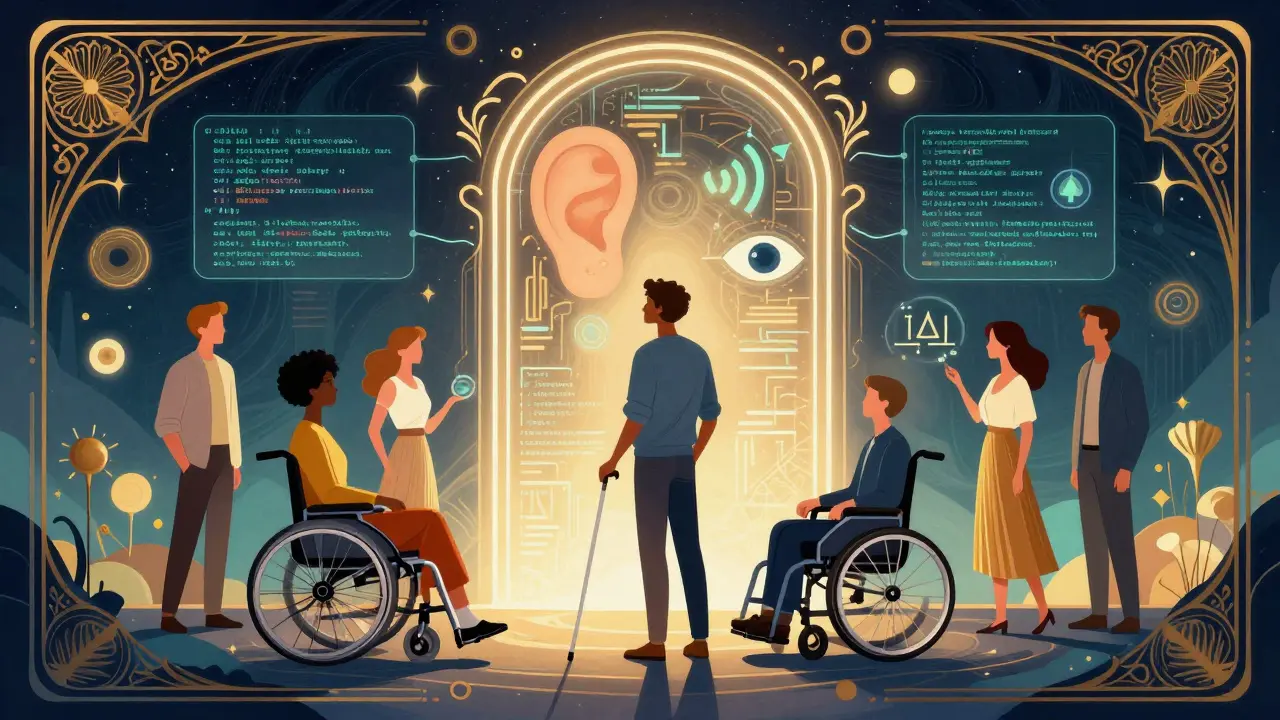
Imagine trying to read a menu at a restaurant, but the text is blurred, the font is tiny, and there’s no audio option for those who can’t see well. Now imagine that same experience happening every time you interact with a new generative AI tool. For millions of users with disabilities, this isn’t a hypothetical scenario-it’s their daily digital reality. As Generative AI becomes embedded in everything from customer service chatbots to creative writing assistants, ensuring these tools are accessible isn’t just a nice-to-have; it’s a fundamental requirement for ethical technology.
The promise of generative AI lies in its ability to create, adapt, and personalize content. But if the interface itself excludes people with visual, auditory, motor, or cognitive impairments, we’re building a future that leaves significant portions of the population behind. This article explores how developers and designers can build inclusive generative AI products that work for everyone, not just the able-bodied majority.
Why Accessibility Must Be Built In, Not Bolted On
A common mistake in tech development is treating accessibility as a final checklist item. You build the feature, launch it, and then worry about screen readers later. With generative AI, this approach fails because the complexity of AI outputs makes retrofitting nearly impossible. If an AI generates an image without alt text, or a video without captions, fixing it after deployment requires reprocessing vast amounts of data.
Inclusive design means embedding accessibility into the core architecture from day one. It shifts the mindset from “How do we make this work for most people?” to “How do we ensure this works for everyone, regardless of their abilities?” This proactive stance aligns with the principle that universal design is always easier than retrofitting. When you design for edge cases-like users relying on keyboard navigation or high-contrast modes-you often end up creating a better product for all users. Think of curb cuts: originally designed for wheelchair users, they now benefit parents with strollers, travelers with luggage, and anyone else who needs easier access.
Core Principles of Accessible Generative AI
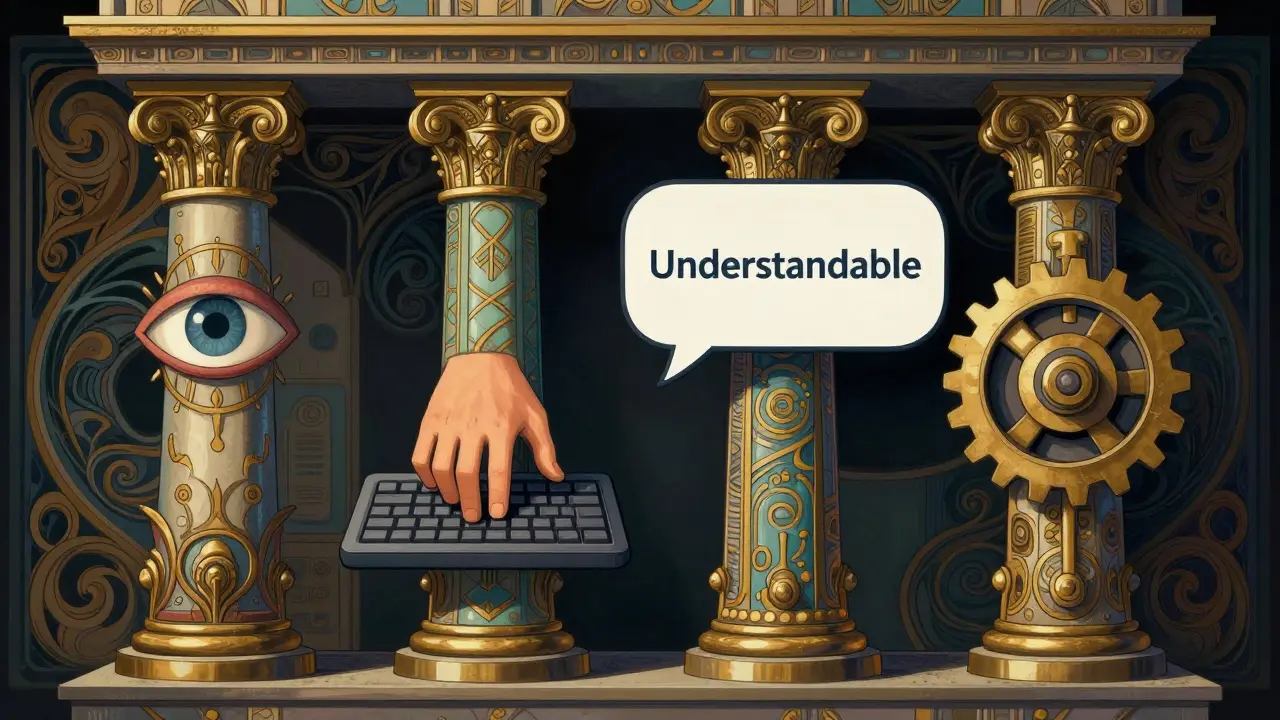
To build truly inclusive AI products, developers should anchor their work in established frameworks like the Web Content Accessibility Guidelines (WCAG). These guidelines provide four foundational pillars:
- Perceivable: Information must be presentable in ways users can perceive. For AI, this means generating accurate alt text for images, providing transcripts for audio, and ensuring color contrast meets standards.
- Operable: Interface components must be operable by all users. This includes full keyboard navigation, avoiding time-limited interactions unless adjustable, and supporting voice commands.
- Understandable: Content and operation must be understandable. AI responses should be clear, predictable, and free from ambiguous jargon. Error messages need to be helpful, not cryptic.
- Robust: Content must be robust enough to be interpreted by a wide variety of user agents, including assistive technologies like screen readers and braille displays.
Applying these principles to generative AI means more than just following rules. It requires understanding how AI models process and output information. For instance, if your AI generates code, does it include comments that explain logic clearly? If it creates images, does it automatically generate descriptive alt text that conveys context, not just literal description?
Practical Applications: How AI Enhances Accessibility
Generative AI isn’t just something that needs to be made accessible; it’s also a powerful tool for enhancing accessibility itself. Here’s how:
| Capability | Description | Benefit for Users |
|---|---|---|
| Automated Alt Text Generation | AI analyzes images and creates detailed descriptions. | Enables visually impaired users to understand visual content via screen readers. |
| Real-Time Text-to-Speech | Converts written AI output into natural-sounding audio. | Helps users with reading difficulties or visual impairments consume content easily. |
| Personalized Content Adaptation | Adjusts font size, contrast, and spacing based on user preferences. | Improves readability for users with cognitive or visual challenges. |
| Multi-Modal Interaction | Supports voice, text, gesture, and eye-tracking inputs. | Allows users with motor impairments to choose their preferred input method. |
Tools like Microsoft Copilot demonstrate this potential by allowing users to request specific adaptations through natural language. Instead of navigating complex settings menus, a user can simply ask, “Read this aloud” or “Increase contrast.” This seamless integration reduces friction and empowers users to control their experience.
Ethical Considerations and Bias Mitigation
One of the biggest risks in generative AI is bias. If training data lacks diversity, the AI will reflect those gaps, potentially perpetuating stereotypes or excluding marginalized groups. For example, an AI trained primarily on data from able-bodied users might struggle to understand requests from someone using sign language or describing a disability-related need.
To combat this, organizations must source inclusive datasets. This means actively seeking out data that represents diverse abilities, languages, and cultural contexts. Training against bias involves regularly auditing AI outputs for discriminatory patterns and adjusting models accordingly. Additionally, integrating anti-discrimination laws and accessibility standards into the training process helps ensure compliance and ethical responsibility.
Data privacy is another critical concern. When AI processes personal information to customize accessibility features, it must do so securely and transparently. Users should know what data is being collected, how it’s used, and have control over their preferences. Transparency builds trust, which is essential for widespread adoption of assistive technologies.
The Human Element: Why AI Can’t Replace User Testing
Despite advances in automation, generative AI cannot fully replace human judgment in accessibility testing. Tools like PictureSmart or Axe can flag common issues, but they lack the nuance to understand context. An AI might correctly identify that a button has low contrast, but it won’t know if that button is essential for completing a task or merely decorative.
This is where the principle of “nothing about us without us” comes into play. Disabled people must be involved in every stage of development-from ideation to testing. Their lived experiences provide insights that algorithms simply can’t replicate. For instance, a developer might assume a certain font size is readable, but a user with macular degeneration might find it still too small. Only through direct feedback can such nuances be addressed.
Organizations should establish ongoing partnerships with disability communities. This isn’t a one-time consultation; it’s a continuous dialogue. Regular usability testing with diverse participants ensures that products evolve alongside user needs. It also helps identify unintended consequences early, preventing costly fixes down the line.
Implementation Strategies for Developers
If you’re ready to start building more accessible generative AI products, here’s a practical roadmap:
- Start with Inclusive Data: Curate training datasets that represent diverse abilities and backgrounds. Avoid homogeneous sources that skew toward able-bodied norms.
- Adopt Universal Design Tokens: Use design systems that enforce consistent color contrast, touch target sizes, and typography across all interfaces. This ensures baseline accessibility from the start.
- Enable Full Keyboard Navigation: Ensure every interactive element can be accessed and operated using only a keyboard. Test thoroughly with screen readers to verify compatibility.
- Provide Multiple Input Modes: Support voice, text, gesture, and other input methods. Allow users to switch between them seamlessly based on their preferences or limitations.
- Integrate Automated Checks Early: Use tools like Lighthouse or VoiceOver during development to catch accessibility issues before they reach production. Don’t wait until launch to test.
- Conduct Regular Audits: Schedule periodic reviews of your AI outputs and interfaces. Involve disabled testers to evaluate real-world usability and gather actionable feedback.
Remember, accessibility isn’t a destination; it’s a journey. Technologies change, user needs evolve, and regulations update. Staying informed and adaptable is key to maintaining inclusivity over time.
Looking Ahead: The Future of Inclusive AI
The landscape of accessible AI is rapidly evolving. Emerging trends include adaptive interfaces that learn from individual user behavior, cognitive assistance tools that simplify complex tasks, and augmented reality applications tailored for sensory impairments. These innovations hold immense promise, but they also require careful stewardship to avoid pitfalls.
As we move forward, the focus must remain on human-centered design. Technology should empower, not exclude. By prioritizing accessibility in generative AI, we not only comply with legal standards but also fulfill a moral obligation to create a digital world where everyone belongs. The goal isn’t just to make AI work for some-it’s to make it work for all.
What is the first step in making a generative AI product accessible?
The first step is to adopt an inclusive design mindset from the very beginning of the project. This means involving disabled users in the planning phase, sourcing diverse training data, and setting accessibility goals aligned with WCAG guidelines before any code is written.
Can AI automatically fix all accessibility issues?
No, AI cannot automatically fix all accessibility issues. While tools can detect common problems like missing alt text or poor contrast, they lack the contextual understanding needed for complex decisions. Human oversight and user testing remain essential for true accessibility.
Why is keyboard navigation important for AI applications?
Keyboard navigation is crucial because many users with motor impairments or those relying on screen readers cannot use a mouse. Ensuring full keyboard support allows these users to interact with every part of the application independently.
How can I prevent bias in my generative AI model?
Prevent bias by using diverse and representative training datasets, regularly auditing outputs for discriminatory patterns, and incorporating feedback from underrepresented groups. Training against bias is an ongoing process that requires vigilance and adjustment.
What role do disabled users play in developing accessible AI?
Disabled users play a central role by providing lived-experience insights that inform design decisions. Their involvement ensures that solutions address real needs rather than assumptions, leading to more effective and inclusive products.





Oskar Falkenberg
June 5, 2026 AT 19:08Look i really appreciate this guide because it actually talks about the real stuff like keyboard nav and not just slapping a contrast checker on at the end of the sprint you know? its so true that if we dont build it in from day one we are just setting ourselves up for failure later on and i have seen too many projects where accessibility is treated as an afterthought which is just lazy honestly
i mean think about it if you design for someone who needs high contrast or large text you are often making the experience better for everyone else too like when you are tired or looking at your phone in bright sunlight right? its that curb cut effect mentioned in the post and i think more developers need to realize that inclusive design is just good design period
also the part about bias in training data is super important because if you only train on data from able bodied users you are going to get models that fail miserably for anyone else and thats not okay we need to be proactive about sourcing diverse datasets even if it takes a bit longer upfront because fixing it later is way more expensive and frustrating for everyone involved
Joe Walters
June 6, 2026 AT 23:31oh please spare me the moralizing lecture about how tech companies are evil for not including disabled people in their beta tests like wow what a groundbreaking insight nobody has ever thought of that before
you guys act like accessibility is some new fad but its been around since the dawn of the internet and yet here we are still arguing about alt text like we are discovering fire all over again its pathetic really
and dont get me started on these 'inclusive datasets' because half the time they are just recycled garbage scraped from forums full of bots anyway so why should i care about bias when the whole model is basically hallucinating nonsense half the time anyway
this article reads like it was written by someone who has never actually shipped a product under deadline pressure and thinks that ethics can replace engineering constraints which is just delusional at this point
Laura Davis
June 7, 2026 AT 11:55stop being such a jerk joe and actually read what he said instead of projecting your own laziness onto everyone else
accessibility is not optional it is a fundamental human right and treating it like a nice to have feature shows a complete lack of empathy and basic decency which is exactly why products keep failing marginalized communities
we need to hold these companies accountable and stop accepting excuses about budget or timeline when we are talking about excluding millions of people from participating in society fully
if you cannot understand why this matters then maybe you should step back and reflect on your own privilege before coming here to complain about things you do not want to deal with
Patrick Dorion
June 8, 2026 AT 12:17the philosophical underpinning of this discussion really hinges on the concept of universal design as a form of social contract rather than just a technical specification
when we consider the nature of generative ai we must ask ourselves whether the tool serves to amplify human agency or merely replicate existing structural inequalities through algorithmic determinism
it is fascinating to observe how the push for wcag compliance intersects with broader ethical frameworks regarding digital equity and inclusion
perhaps the most profound implication is that by designing for the margins we inevitably create a more robust system for the center which suggests that exclusion is not just a moral failing but an architectural weakness in our technological infrastructure
Lisa Nally
June 9, 2026 AT 07:19while the sentiment behind inclusive design is commendable the operationalization of these principles within modern llm architectures presents significant challenges that are often glossed over in such high level discourse
for instance the requirement for robust semantic tagging in generated outputs necessitates a multi layer validation pipeline that increases latency and computational overhead considerably
furthermore the notion that ai can automatically generate accurate alt text ignores the nuanced contextual understanding required for truly descriptive metadata which current vision language models frequently struggle with due to their probabilistic nature
we must also consider the epistemological limitations of relying on automated checks for accessibility compliance as they often fail to capture the subjective user experience which is paramount in assistive technology evaluation
Edward Gilbreath
June 9, 2026 AT 19:53they want you to believe that accessibility is about helping people but really it is just another way for big tech to collect more data about your disabilities and sell it to insurance companies
think about it why would microsoft copilot suddenly care about your contrast preferences unless they are building a profile on your visual impairments to adjust pricing or limit your access to certain features down the line
its all part of the surveillance capitalism machine and they use words like inclusion and diversity to distract you from the fact that your privacy is being stripped away every time you interact with these so called helpful tools
do not fall for it the only thing these guidelines protect is the liability of the corporations not the rights of the users
kimberly de Bruin
June 11, 2026 AT 05:57is accessibility just a construct of the digital age or does it reflect a deeper existential void in our relationship with technology
we seek to make machines accessible to us but perhaps we should ask if we are becoming less accessible to each other in our quest for efficiency
the screen reader speaks but does it hear the silence between the words
maybe the true barrier is not the interface but our own inability to perceive the complexity of human experience through binary code
Edward Nigma
June 11, 2026 AT 23:44actually you are all missing the point entirely because keyboard navigation is completely obsolete in the age of voice assistants and eye tracking technology so focusing on it is just wasting resources
why bother with complex aria labels when you can just use natural language processing to interpret intent directly without any structured markup at all
the whole wcag framework is outdated and based on web standards from the nineties that do not apply to modern neural interfaces
stop clinging to old methods and embrace the future where ai understands context so well that explicit accessibility features become redundant
Francis Laquerre
June 13, 2026 AT 22:45as someone who works closely with international development teams i can attest that the cultural nuances of disability are often overlooked in western centric accessibility guidelines
in many parts of the world the stigma surrounding disability means that users may not openly identify as needing assistive technologies which complicates the testing phase significantly
we must approach inclusive design with a global perspective recognizing that what works in silicon valley may not resonate with users in rural africa or southeast asia
it is crucial to engage with local communities and understand their specific needs and contexts rather than imposing a one size fits all solution derived from north american or european standards
this requires patience and humility but ultimately leads to more meaningful and sustainable impact