
Most security failures don’t happen because of clever hacks. They happen because someone clicked "Skip" on a security setting. A developer left default passwords unchanged. A config file was uploaded without encryption. A login page accepted passwords like "123456" because it was "easier for users." These aren’t edge cases. They’re the norm. And they’re preventable.
Why Your Security Requirements Keep Getting Ignored
Security requirements are often written like suggestions. "The system should use strong passwords." "Data should be encrypted." "Users should be authenticated." These sound good on paper. But in practice? They’re optional. When deadlines loom, when the product manager says "We can fix this later," these requirements vanish. They’re not enforced. They’re not verifiable. They’re noise.That’s where refusal-proofing comes in. It’s not about adding more rules. It’s about making the right thing the only thing possible. Refusal-proof security requirements are written so tightly, so precisely, that there’s no room for interpretation-or refusal.
Think of it like a car that won’t start unless the seatbelt is buckled. No button to disable it. No "maybe later" option. The system simply doesn’t work unless the requirement is met. That’s the standard we need for security.
What Makes a Requirement Refusal-Proof?
A refusal-proof requirement has three traits: it’s mandatory, measurable, and automatic.Mandatory means there’s no escape hatch. No "if time permits." No "unless business approves." The requirement is non-negotiable. For example: "The system shall require two-factor authentication for all administrative accounts." Not "should." Not "is recommended." "Shall."
Measurable means you can test it. You can’t say "the system is secure." But you can say: "The system rejects passwords shorter than 12 characters." That’s a test. That’s a pass/fail. OWASP ASVS V2.1 does this perfectly. It doesn’t say "use strong passwords." It says: "The application shall enforce a minimum password length of 12 characters." Clear. Verifiable. Unavoidable.
Automatic means enforcement happens in the pipeline. Not during a review. Not in a checklist. In code. Tools like Checkmarx, SonarQube, or GitHub Actions can block a pull request if the code doesn’t meet the requirement. If the password length is 11? The merge fails. No human needs to say no. The system says no.
How to Write Refusal-Proof Prompts
If you’re writing requirements-or prompting an AI to generate them-use this template:- Start with "The system shall..." (never "should" or "could").
- Be specific about what’s required.
- Include how it’s verified.
- State the consequence of non-compliance.
Here’s how that works in practice:
- Weak: "Data should be encrypted."
- Refusal-proof: "The system shall encrypt all sensitive data at rest using AES-256, with keys managed by a separate key management service (KMS). Verification: Automated scans using AWS KMS audit logs shall confirm key usage for all data stores. Non-compliance: Deployment blocked in CI/CD pipeline."
Another example:
- Weak: "Users must be authenticated."
- Refusal-proof: "The system shall require multi-factor authentication for all user sessions after 5 minutes of inactivity. Verification: Session logs must show MFA token validation events. Non-compliance: Session automatically terminates and user is redirected to re-authenticate."
Notice how each one removes ambiguity. There’s no "maybe." No "depends." Just a clear line: if this isn’t true, the system doesn’t work.

Real-World Examples That Work
Capital One didn’t just write better requirements when they migrated to the cloud. They rewrote the rules. Every application had to meet refusal-proof criteria before being approved. No exceptions. One requirement: "All external API endpoints must validate input using a whitelist schema. No dynamic parsing allowed." That blocked entire classes of injection attacks before a single line of code was written.Financial institutions using the SQUARE methodology (from Carnegie Mellon’s SEI) saw a 63% drop in critical vulnerabilities over 18 months. Why? Because every requirement was inspected by engineers, product owners, and security teams-before development even started. No room for later fixes. No "we’ll patch it in v2."
The EU’s Cyber Resilience Act, effective in 2025, makes this the law. Products sold in Europe must be designed so that secure defaults are the only option. No "opt-in security." No "advanced users can disable it." That’s refusal-proofing turned into regulation.
What Happens When You Don’t Do This
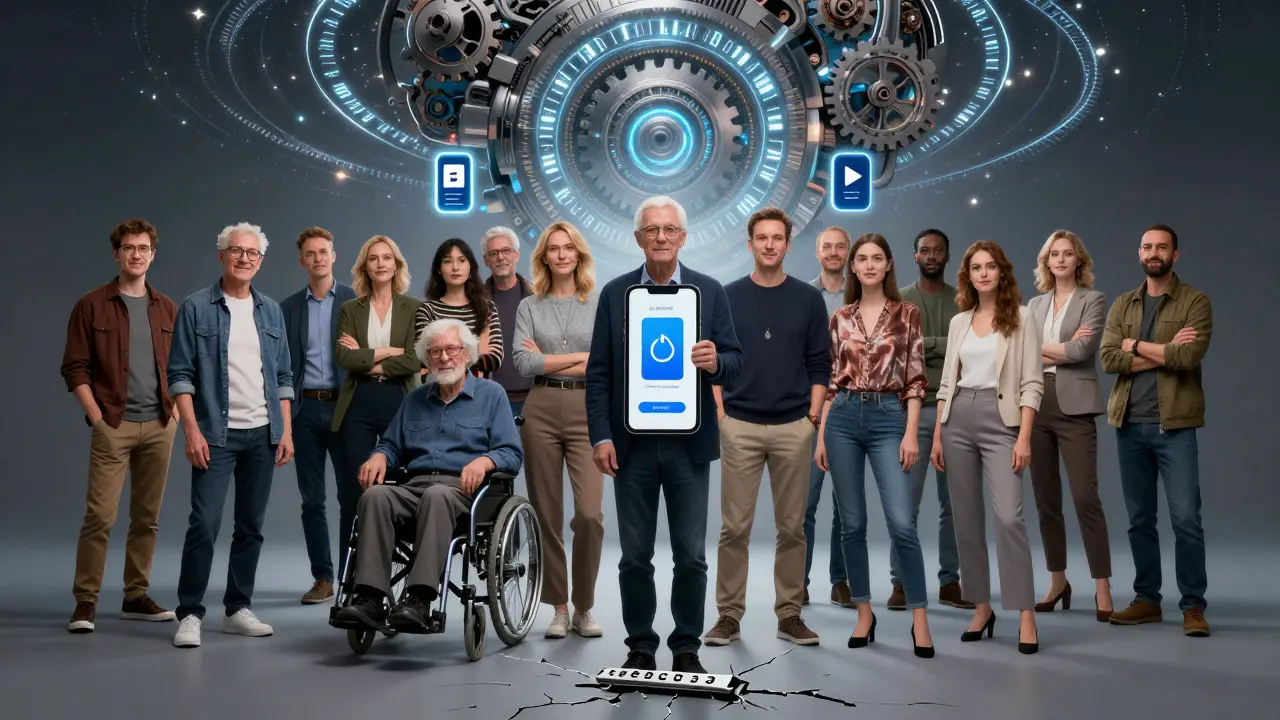
In 2023, a mid-sized SaaS company tried implementing refusal-proof requirements. They required all users to use MFA. Great. Except they didn’t account for elderly customers who didn’t have smartphones. Their system locked out 15% of their user base. The requirement was refusal-proof-but it was also blind.That’s the danger: refusal-proof doesn’t mean rigid. It means intentional. You still need to think about accessibility, usability, and business impact. But you don’t leave those decisions to chance. You bake them into the requirement.
Example: "The system shall support MFA via SMS, authenticator app, or hardware token. If SMS is used, the system shall provide a voice-based alternative for users with visual impairments. Verification: Accessibility audit completed by third-party tester. Non-compliance: Feature disabled until resolved."
Now you’ve made security mandatory-and inclusive.
The Tools That Make It Real
You can’t do this manually. You need automation.- OWASP ASVS (Application Security Verification Standard): The gold standard for verifiable requirements. Version 5.0 includes checks for AI-generated code, prompt injection, and supply chain risks.
- SQUARE Methodology: A nine-step process from CMU that forces stakeholders to agree on each requirement before coding begins. Step 6 is where you actually write the refusal-proof prompts.
- GitHub Copilot with Security Suggestions: Now flags insecure patterns in real-time. If you type "password = request.form['pass']", it suggests "Use a secure password hashing library like bcrypt."
- AWS Security Hub Automated Response: Automatically enforces safe defaults across cloud environments. If an S3 bucket is created without encryption, it’s locked down immediately.
These aren’t add-ons. They’re the new baseline.
Why This Matters More Than Ever
In 2025, software supply chain attacks are up 300% since 2021. Attackers aren’t breaking in. They’re waiting for you to skip a setting. A dependency with a default admin password. A config file left open. A CI/CD pipeline that doesn’t check for secrets.Refusal-proofing turns security from a checkbox into a feature. It’s not something you add at the end. It’s how you build from the start.
Organizations that adopt this approach see a 58% reduction in critical vulnerabilities during penetration tests, according to Gartner. They spend less time patching and more time building.
The market is catching up. The global security requirements engineering market will hit $5.7 billion by 2028. Tools like IriusRisk automate the creation of refusal-proof prompts. AI models are being trained to generate them. The future isn’t about more security teams. It’s about smarter, non-negotiable requirements.
Where to Start Today
You don’t need to overhaul everything. Pick one high-risk area. Maybe password policies. Maybe data encryption. Maybe API authentication.- Find the most common vulnerability in your app. Check your last penetration test.
- Write one refusal-proof requirement for it. Use "shall," be specific, include verification.
- Integrate it into your CI/CD pipeline. Block merges if it fails.
- Measure the impact. How many incidents did you prevent?
That’s it. One requirement. One automation. One change that makes security impossible to ignore.
Security isn’t about complexity. It’s about consistency. And consistency only happens when the system won’t let you fail.
What’s the difference between a regular security requirement and a refusal-proof one?
A regular security requirement says "should" or "is recommended," leaving room for bypass. A refusal-proof requirement says "shall," is measurable, and is enforced automatically. For example, "The system shall require 12-character passwords" vs. "Use strong passwords." The first can’t be ignored. The second can.
Can refusal-proof requirements slow down development?
Initially, yes. Teams report a 25-40% increase in requirements gathering time. But long-term, they save time. Fewer breaches mean less firefighting. Fewer patches mean fewer hotfixes. Capital One prevented 127 vulnerabilities during a cloud migration by doing this upfront. That’s months of work saved.
Do I need to use SQUARE or OWASP ASVS to implement this?
No, but they’re the most proven frameworks. SQUARE gives you a structured process. OWASP ASVS gives you ready-made, verifiable requirements. You can start with one refusal-proof requirement using their templates and build from there. You don’t need to adopt the whole system to get value.
What if a refusal-proof requirement breaks user experience?
Then you fix the requirement-not the bypass. For example, if MFA blocks elderly users, add voice-based authentication. Refusal-proof doesn’t mean inflexible. It means intentional. You design for edge cases upfront, not after the breach.
Is this only for big companies?
No. Small teams benefit even more. With fewer resources, they can’t afford breaches. Starting with one refusal-proof requirement-like auto-enabling TLS or blocking default passwords-can prevent 80% of common attacks. It’s not about size. It’s about discipline.
How does AI fit into refusal-proofing?
AI tools like GitHub Copilot now suggest refusal-proof security prompts as you code. OWASP ASVS 5.0 includes requirements for AI-generated code, like validating inputs from LLMs to prevent prompt injection. AI doesn’t replace human judgment-it helps enforce it consistently.





Angelina Jefary
December 17, 2025 AT 17:39They’re not even trying anymore. Default passwords? Unencrypted configs? This isn’t negligence-it’s institutional laziness. And now they want AI to fix it? Nah. The real problem is that no one gets fired for letting the system get hacked. Only for slowing down the release. That’s why we need to lock the doors before the keys are even made.
Jennifer Kaiser
December 18, 2025 AT 02:05There’s something deeply human here. We don’t resist security because we’re evil-we resist it because it feels like being told we’re not smart enough to use our own tools. Refusal-proofing isn’t just about code. It’s about dignity. When you design a system that assumes the user is incompetent, you create resentment. The real win is when security feels like a gift, not a cage.
TIARA SUKMA UTAMA
December 19, 2025 AT 09:15Jasmine Oey
December 20, 2025 AT 14:45OMG I’m literally crying. This is the most beautiful thing I’ve read all year. I’ve been screaming this into the void for years and now someone wrote a manifesto?!! I’m printing this out and taping it to my monitor. Also, if you don’t use OWASP ASVS 5.0 you’re basically letting hackers hold your baby. 💔
Marissa Martin
December 21, 2025 AT 13:16I get it. I really do. But I also think about the junior dev who just wants to ship something without being micromanaged by a checklist that feels like it was written by a robot who hates humans. Maybe the answer isn’t more rules… maybe it’s more trust? Or at least, more empathy?
James Winter
December 22, 2025 AT 19:17Aimee Quenneville
December 24, 2025 AT 04:24so… like… if i’m a 70-year-old with a flip phone and you block my access because i can’t use an app… is that ‘refusal-proof’… or just… rude? 🤔 maybe the problem isn’t the requirement… it’s the assumption that everyone has a smartphone and a tech support hotline on speed dial.
Cynthia Lamont
December 26, 2025 AT 04:08OMG I’m so mad. This whole post is right. But you know who’s NOT mentioned? The product managers who say ‘we’ll fix security in v2’ like it’s a bonus feature. V2 never comes. The devs are exhausted. The security team is ignored. And then the breach happens and suddenly everyone’s a ‘security expert’ on LinkedIn. I’ve seen this movie. It ends with a resignation letter and a lawsuit.
Kirk Doherty
December 26, 2025 AT 15:52