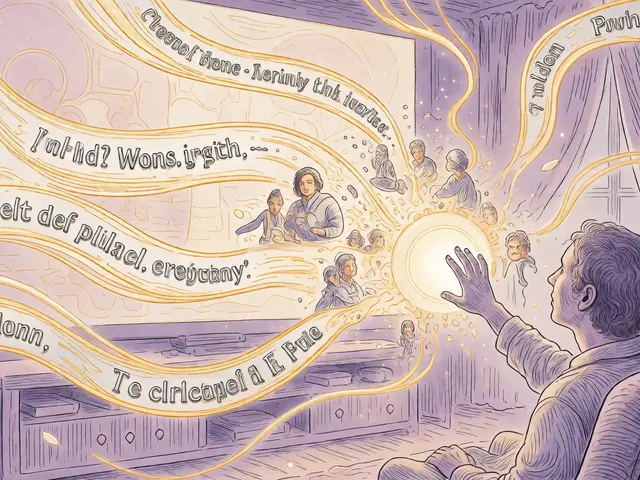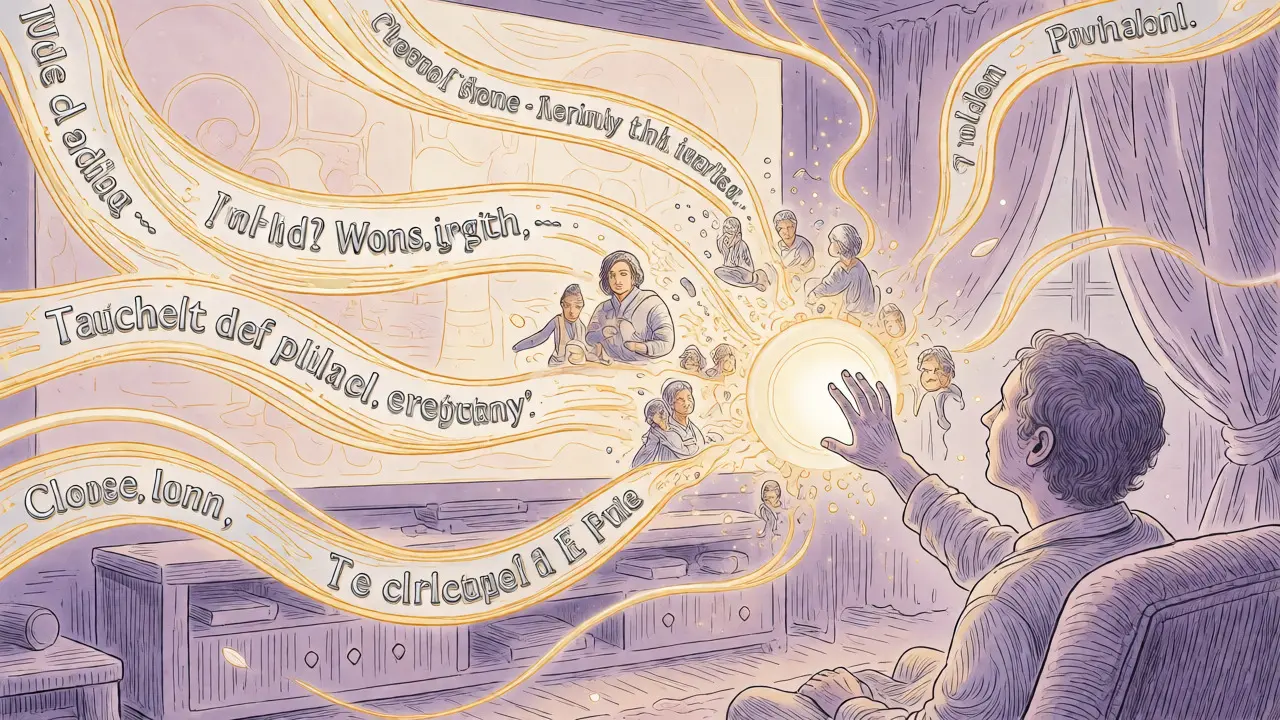
Imagine watching a movie where you can pause the action and ask, "What is the character wearing?" or "Why did that door slam shut?"-and get an instant, accurate answer. For decades, this level of interactive understanding was science fiction for people with visual impairments. But today, Multimodal Generative AI is turning it into reality. This isn't just about adding subtitles to a video; it's about creating a dynamic dialogue between the user and the content.
We are witnessing a shift from static accessibility tools to adaptive, intelligent systems. Traditional assistive tech often felt like a patch job-a text-to-speech reader bolted onto a website after the fact. Multimodal AI changes the architecture entirely. It processes text, images, audio, and video simultaneously, allowing the interface to adapt to *you*, rather than forcing you to navigate a rigid design. If you've ever struggled with a complex chart that wasn't screen-reader friendly, or missed a joke in a video because the captions were delayed, you know the pain points this technology aims to solve.
The End of One-Size-Fits-All Interfaces
For years, digital accessibility followed a "one-size-fits-all" model. You either had alt-text for images (which was often missing or generic) or you didn't. Google Research calls this outdated approach a barrier to equity. They have proposed a new framework called Natively Adaptive Interfaces (NAI). Instead of static menus and fixed layouts, NAI uses agent-driven modules that change based on context and user needs.
Think of it like having a personal assistant who knows exactly how you prefer to consume information. If you're driving, they narrate the news. If you're in a quiet library, they provide a concise summary. If you have low vision, they might enlarge specific elements or describe them in high detail. This isn't magic; it's the result of sophisticated language processing models that understand intent and context. Microsoft Copilot already does some of this by letting users simplify complex documents or explain color-coded charts in plain English. The goal is to move away from reactive tools-where you have to hunt for the accessibility option-to proactive systems that anticipate your needs.
Beyond Alt-Text: Interactive Audio Descriptions
Standard audio descriptions are great, but they are linear. A narrator describes what's happening while you listen, and if you miss a detail, it's gone. Multimodal AI introduces interactivity. Google’s prototype, the Multimodal Accessible Video Prototype (MAVP), built on their Gemini models, allows users to engage in a dialogue with the video content.
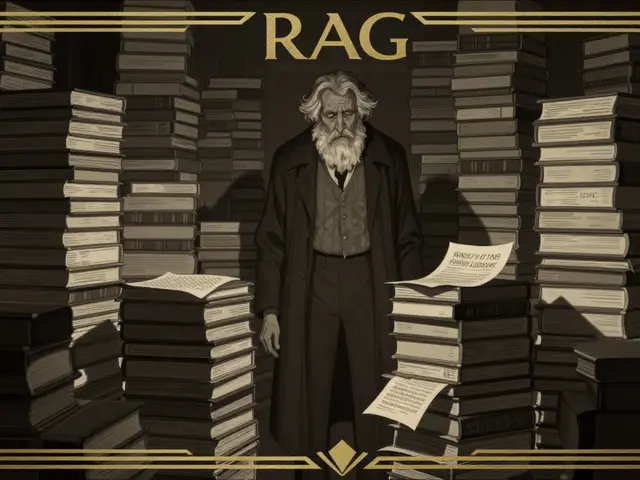
Here’s how it works technically: The system first generates a "dense index" of visual descriptions offline. When you’re watching, it uses retrieval-augmented generation (RAG) to pull relevant details instantly. So, if you pause a scene and ask, "Who is in the background?", the AI doesn't just guess; it retrieves specific data from its pre-processed analysis. This reduces cognitive load significantly. You aren't trying to remember every visual cue; you're actively exploring the content at your own pace. This transforms passive consumption into active exploration, which is crucial for users who may have attention deficits or learning disabilities alongside visual impairments.
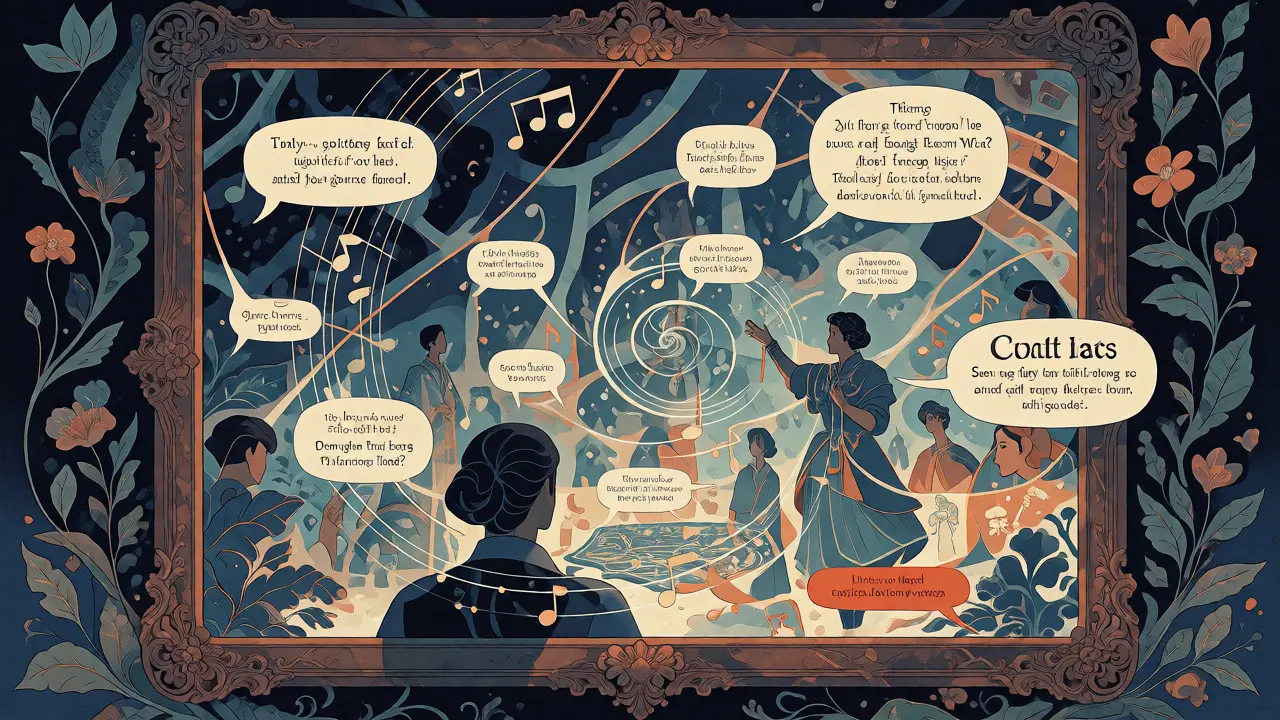
Captions That Understand Context, Not Just Sound
Automatic captions have been around for a while, but they often fail when multiple people speak at once, or when there’s background noise. More importantly, standard captions don’t convey tone, emotion, or non-verbal cues. Multimodal AI bridges this gap for the deaf and hard-of-hearing community by integrating visual and audio analysis.
Advanced systems can now distinguish between different speakers and even identify sound effects. Imagine a caption that says *[door creaks ominously]* instead of just *[sound]*. Or a transcript that identifies sarcasm through vocal pitch analysis. This adds a layer of richness that traditional speech-to-text engines simply can't match. It’s not just about transcribing words; it’s about capturing the full sensory experience of media. For educators, this means lectures become more inclusive. For entertainment, it means movies become truly accessible without needing a separate descriptive track.
The Curb-Cut Effect: Benefits Beyond Disability
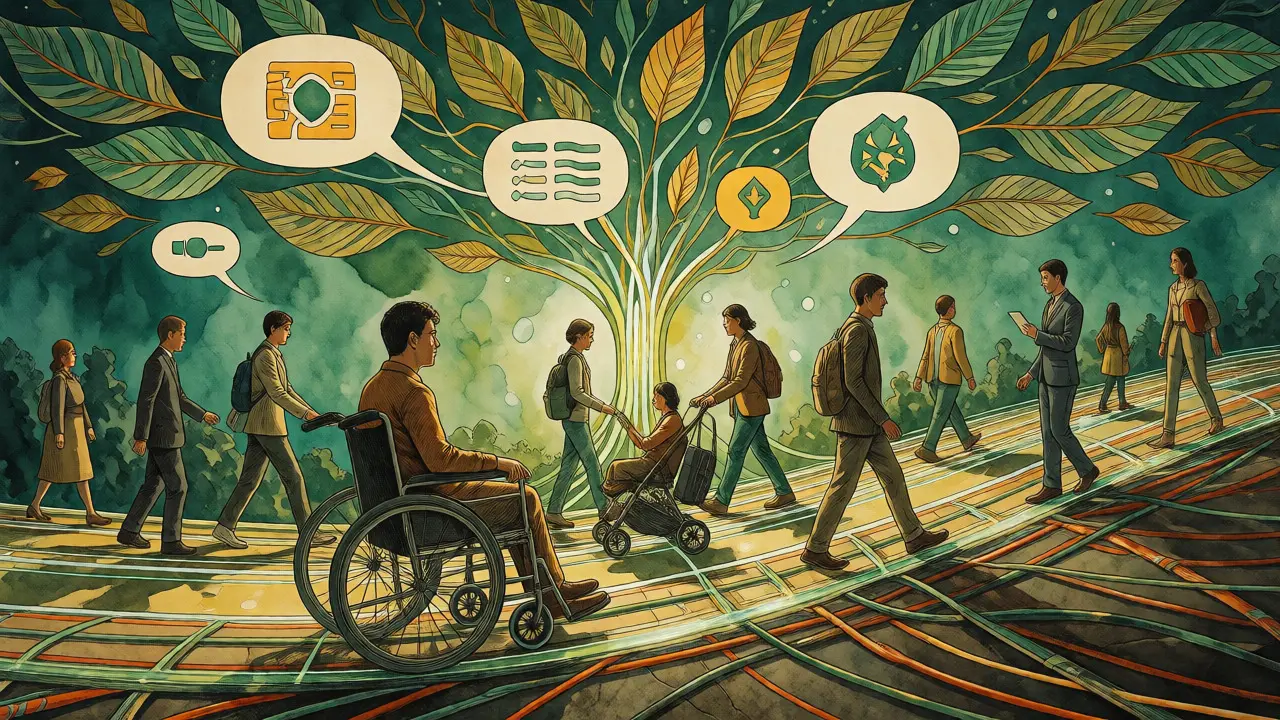
You might think these features only help people with disabilities, but history shows otherwise. Remember sidewalk ramps? They were designed for wheelchair users, but parents with strollers, travelers with luggage, and delivery workers use them daily. This is the "curb-cut effect." Multimodal AI tools designed for accessibility often improve the experience for everyone.
- Multitasking: Voice interfaces built for blind users allow sighted people to navigate apps while cooking or driving.
- Information Overload: AI summaries designed for those with cognitive disabilities help busy professionals digest long reports quickly.
- Language Barriers: Real-time translation and simplification tools aid non-native speakers as much as they aid those with reading difficulties.
This broad utility makes multimodal AI a smart business investment, not just a compliance checkbox. Companies like IBM note that natural human-computer interaction improves satisfaction across the board. When your app feels intuitive and responsive, retention goes up.
Real-World Implementation and Challenges
While the promise is huge, implementation isn't seamless. One major challenge is the "accessibility gap"-the delay between releasing a new feature and making it accessible. Multimodal AI helps close this gap by automating many adaptation tasks. However, quality control remains critical. AI can hallucinate, meaning it might invent details in a description that aren't actually there. In medical or legal contexts, this error rate matters.
To mitigate this, developers are using hybrid approaches. Human-in-the-loop systems review AI-generated descriptions for accuracy before publishing. Additionally, co-designing with disability communities ensures the tools meet real needs. Organizations like RIT/NTID (National Technical Institute for the Deaf) and Team Gleason have partnered with tech giants to test prototypes. Their feedback drives improvements, ensuring the technology serves actual lived experiences rather than theoretical assumptions.
| Feature | Traditional Assistive Tech | Multimodal Generative AI |
|---|---|---|
| Image Description | Static Alt-Text (often missing/generic) | Interactive, queryable visual analysis |
| Audio Handling | Basic Speech-to-Text | Context-aware captions with speaker ID & sound events |
| User Interaction | Passive Consumption | Active Dialogue (Ask questions, adjust detail level) |
| Adaptability | Fixed Settings | Dynamic Interface Adjustment (NAI Framework) |
Looking Ahead: The Path to Universal Design
We are moving toward a future where accessibility is native to the code, not an add-on. S&P Global predicts that AI will act as a force multiplier for social inclusion, opening economic and intellectual spaces for underserved populations. As models like Gemini and GPT evolve, we’ll see even tighter integration of voice, vision, and text.
For developers and product managers, the takeaway is clear: start thinking about multimodal inputs now. Don't just build for screens; build for senses. Test your products with diverse users early. And remember, the best accessibility tool is one that disappears-it just works, adapting silently so the user can focus on the content, not the interface.
What is the difference between standard alt-text and AI-generated image descriptions?
Standard alt-text is usually a short, static string written by a human, often limited to 100-250 characters. AI-generated descriptions via multimodal models can be dynamic, detailed, and interactive. Users can ask follow-up questions about the image, such as identifying specific objects or actions, whereas alt-text provides only a single, fixed summary.
Can multimodal AI handle live video streams for accessibility?
Yes, though it requires robust processing power. Systems like Google's MAVP demonstrate that live video can be converted into interactive audio descriptions. While initial processing might happen offline for indexing, real-time capabilities are improving, allowing users to query live broadcasts or meetings for visual details as they occur.
Does multimodal AI replace human captioners?
Not entirely. While AI drastically speeds up production and lowers costs, it still struggles with nuanced dialects, heavy accents, or highly specialized jargon. Many organizations use a hybrid model: AI generates a draft, and human editors refine it for accuracy and cultural context, especially in legal, medical, or broadcast settings.
How does the "Curb-Cut Effect" apply to AI accessibility tools?
The Curb-Cut Effect refers to how features designed for people with disabilities benefit everyone. For example, voice-controlled navigation built for blind users also helps drivers and cooks. Similarly, AI summaries designed for cognitive disabilities help busy professionals skim content faster. Thus, investing in AI accessibility yields broader market appeal and improved UX for all users.
Are there privacy concerns with multimodal AI processing my video or audio?
Yes, because these systems process sensitive biometric and contextual data. Leading providers implement strict data governance, often processing data locally on devices (edge computing) or anonymizing cloud transmissions. Always check the vendor's privacy policy regarding data retention and training usage to ensure your personal media isn't being used to train public models without consent.