You’ve got the perfect product. It’s high quality, it solves a real problem, and your pricing is spot on. But when you look at your product page, something feels off. The image is just the item sitting on a white background. It’s clean, sure, but it’s also boring. It doesn’t tell a story. It doesn’t make the shopper imagine using it. Traditionally, fixing this meant booking a photographer, renting a studio, hiring models, and spending weeks in post-production. Today, multimodal generative AI is changing that equation entirely.
This technology isn’t just about making pretty pictures. It’s about speed, scale, and storytelling. By combining text prompts, image inputs, and scene understanding, modern AI tools can turn a basic product photo into a rich lifestyle shot in seconds. You don’t need a Hollywood budget anymore. You just need a good base image and the right workflow. Let’s break down how to actually use these tools to boost conversions, not just fill up your media library.
The Shift from Static to Contextual Imagery
Why does context matter so much? Because people don’t buy products; they buy better versions of themselves. A pair of running shoes on a white background is just rubber and foam. Those same shoes splashing through a puddle on a rainy morning? That’s resilience. That’s commitment. Multimodal AI bridges the gap between the object and the experience. It understands relationships-how light hits fabric, how a hand holds a bottle, how a room feels when furnished with a specific chair.
Platforms like Instant or solutions from Binary Republik allow you to upload a raw product image and instantly place it into a generated environment. You aren’t just cropping out backgrounds; you’re synthesizing new realities. This approach directly addresses the "time-to-content" bottleneck. Marketing teams used to wait weeks for assets. Now, they iterate in minutes. If a campaign needs a summer vibe, you prompt for sunlight and beach textures. Need a cozy winter feel? Switch to warm lighting and indoor settings. The agility alone is worth the subscription cost.
Building Your Workflow: From Upload to Variant
So, how do you actually do this without ending up with weird, six-fingered hands or floating chairs? The process is surprisingly linear if you follow a structured path. Most top-tier tools follow a similar sequence: Input, Scene Selection, Model Assignment, and Generation.
- Input Source: Start with your cleanest product photo. Ideally, this is a cutout PNG with transparent background. Some platforms integrate directly with Shopify, pulling images straight from your catalog. This saves you from downloading, editing, and re-uploading files.
- Scene Database: Don’t start from scratch every time. Use preset libraries. These are pre-trained environments-kitchens, offices, outdoor trails-that already have correct perspective and lighting logic built-in. Custom scenes are possible, but presets ensure higher consistency.
- Model Selection: If your product involves human interaction (like clothing or cosmetics), you’ll need digital models. Tools now offer diverse demographic options. You might select a model named "Astrid" for a feminine beauty product or a male variant for gym gear. Consistency across a campaign matters, so stick to one or two model types per brand identity.
- Prompt Engineering: This is where the magic happens. Instead of vague requests like "make it nice," be specific. Try: "model applying lip balm, natural morning light, grainy film effect, shallow depth of field." The more sensory details you add, the less the AI has to guess.
A critical feature to look for is "Edit with AI." This allows iterative refinement. If the first generation looks great but the model’s pose is stiff, you don’t regenerate the whole image. You prompt: "keep everything the same, only change the arm position." This preserves the lighting and background while fixing the flaw. It turns a one-shot gamble into a controlled design session.
Handling Product Variants at Scale
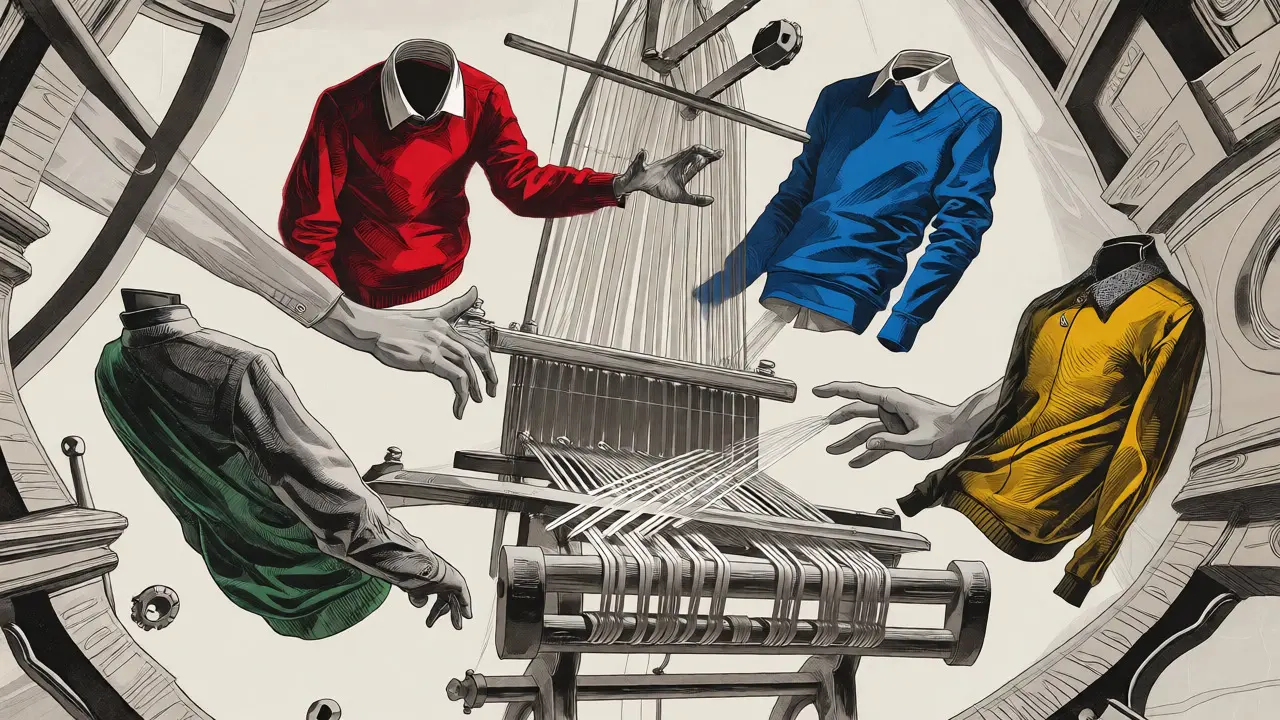
One of the biggest pain points in e-commerce is managing SKUs. If you sell a sweater in five colors, do you really need five separate photoshoots? Probably not. With multimodal AI, you can generate color variants efficiently. However, there’s a catch. AI struggles with texture consistency if the input is poor.
Research from industry testers highlights a major limitation: fabric accuracy and resolution issues. A single front-facing photo often isn’t enough. The AI has to "guess" how the back looks or how the fabric drapes on the side. For consistent results, you need comprehensive reference material. The standard rule of thumb is to provide front, back, side, and ideally a close-up texture shot. If you feed the AI a flat lay of a t-shirt, it might warp the logo when placing it on a moving model. But if you give it a 360-degree view, it maintains structural integrity.
| Input Type | Best For | Risk Factor | Recommended Action |
|---|---|---|---|
| Single Front Photo | Simple accessories, hard goods | High distortion on curved surfaces | Use static angles; avoid complex poses |
| Front + Side + Back | Clothing, footwear | Moderate; requires careful masking | Ensure lighting matches across all angles |
| Texture Swatch Included | Fashion, textiles, upholstery | Low; highest fidelity | Map texture explicitly in prompt |
| 3D Model Render | Furniture, electronics | Very Low | Perfect for precise placement |
Batch generation is key here. Once you nail the prompt for one colorway, you can swap the base image for the next color and run the same parameters. This lets a single operator produce hundreds of lifestyle variants in an afternoon. It’s not just about saving money; it’s about keeping your site fresh. You can rotate seasonal backgrounds without reshooting anything.
Navigating Technical Limitations and Pitfalls
Let’s be real: AI isn’t flawless yet. If you expect pixel-perfect replication of a luxury watch face or intricate lace patterns, you might be disappointed. Current models, including advanced ones like Gemini 3 Pro or specialized e-commerce engines, still struggle with fine details. Text on packaging often gets garbled. Logos might warp. Hands and fingers remain a common failure point, though this is improving rapidly.
How do you mitigate this? Treat AI output as a draft, not the final print. Always review generations manually. Look for: 1. **Lighting mismatches:** Does the shadow direction match the sun position in the scene? 2. **Scale errors:** Is the product too big or small relative to the furniture or person? 3. **Artifacting:** Are there strange blurs around edges?
For high-stakes categories like fashion, hybrid workflows work best. Use professional photography for the hero shot-the main image that sells the detail. Then, use AI for secondary lifestyle shots, social media teasers, and blog headers. This balances quality with volume. Remember, the goal is "adequate" visuals that drive clicks, not necessarily museum-grade art. As CreativeForce notes, the value lies in speeding up content creation and opening creative avenues, not replacing the photographer entirely.
Boosting Conversion Rates with Diverse Representation
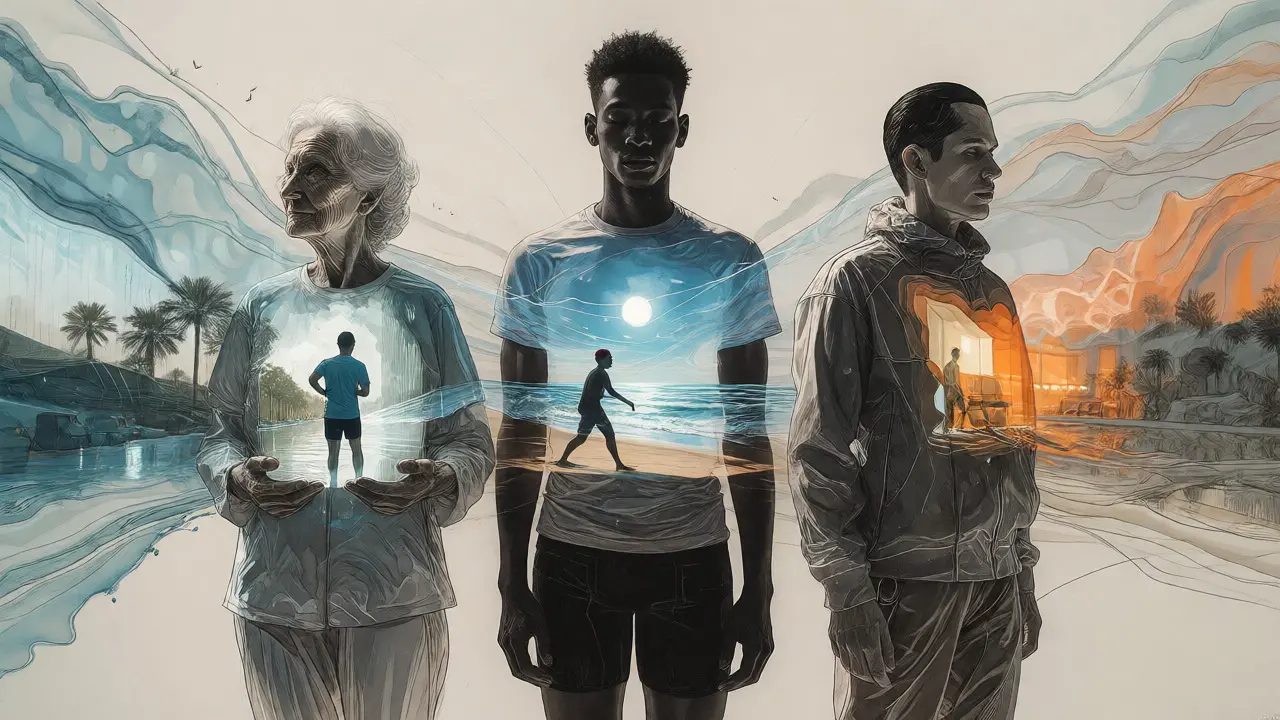
Visual diversity isn’t just a buzzword; it’s a conversion driver. When shoppers see themselves reflected in your imagery, trust increases. Traditional photoshoots make it expensive to hire models of different ethnicities, ages, and body types for every product line. AI changes this dynamic. You can generate variations of the same scene with different models quickly.
Imagine selling skincare. You create a base lifestyle shot of a woman applying cream. Then, you prompt the AI to keep the setting identical but change the model to an older woman, then a man, then a person with darker skin tone. Suddenly, you have four inclusive images for the price of one concept. This expands your addressable market segments significantly. It shows potential buyers that the product works for them, specifically. It’s a low-effort, high-impact strategy for brands aiming for broader appeal.
Future-Proofing Your Visual Strategy
The tech is evolving fast. We’re seeing moves toward better integration with existing stacks. Platforms are adding direct API connections to CMS systems, allowing automatic updates when inventory changes. Also, video generation is starting to merge with these static image tools. Soon, you won’t just generate a lifestyle shot; you’ll generate a 5-second clip of the model turning their head or the liquid swirling in the bottle.
Stay ahead by auditing your current asset pipeline. Identify which images consume the most time and budget. Usually, it’s the repetitive lifestyle contexts. Automate those. Keep your professional photography budget for unique, high-detail hero shots. This hybrid approach maximizes ROI. You get the polish of traditional photography where it counts, and the scale of AI where efficiency matters.
Can AI replace professional photographers for e-commerce?
Not entirely. AI is excellent for generating lifestyle contexts, backgrounds, and variations quickly. However, professional photography is still superior for capturing exact product details, complex textures, and brand-specific artistic direction. The best strategy is a hybrid workflow: use pro photos for hero images and AI for supplementary lifestyle content.
What kind of product photos work best for AI generation?
Clean, well-lit cutouts with transparent backgrounds work best. For clothing, providing multiple angles (front, back, side) helps the AI understand the garment's structure. Avoid blurry or low-resolution source images, as the AI will amplify these flaws during generation.
How do I fix inconsistent product sizes in AI-generated images?
Size inconsistency is a common issue. To fix it, use prompts that specify scale relative to known objects (e.g., "product size equivalent to a smartphone held in hand"). Some advanced tools allow you to lock the aspect ratio or define bounding boxes to maintain physical proportions across different scenes.
Is multimodal AI secure for proprietary product designs?
It depends on the platform. Enterprise-grade solutions often offer private cloud instances where your data isn't used to train public models. Always check the privacy policy. For highly confidential unreleased products, consider local deployment options or platforms that guarantee zero-retention policies for uploaded assets.
Can I use AI-generated images for ads on Facebook and Instagram?
Yes, but transparency is becoming important. Meta and other platforms may require labeling AI-generated content in certain contexts. Additionally, ensure the images meet platform quality standards. Blurry artifacts or distorted logos can lead to ad rejection or lower engagement rates. Always test AI assets against traditionally produced ones to measure performance differences.