
The Hardware Behind the Hype
You’ve seen the demos. You’ve used the chatbots. But have you ever stopped to wonder what it actually takes to train a model like GPT-4 or Google’s Gemini? It isn’t magic; it is brute force computation on a scale that would melt your gaming PC in seconds. The backbone of generative AI is not just code-it is specialized hardware designed to handle massive parallel processing tasks.
In 2026, the landscape of compute infrastructure has settled into a clear dichotomy. On one side, you have Graphics Processing Units (GPUs), led by NVIDIA’s dominance through its CUDA ecosystem. On the other, you have Tensor Processing Units (TPUs), Google’s application-specific integrated circuits (ASICs) built specifically for tensor math. These are not interchangeable parts. They represent two different philosophies on how to solve the most expensive problem in tech today: training large language models (LLMs).
Why Your CPU Can’t Cut It
Before we dive into the heavy hitters, let’s address why standard Central Processing Units (CPUs) fail here. CPUs are generalists. They are great at handling many different small tasks quickly-like opening an app or calculating a spreadsheet. But training an LLM involves multiplying matrices with billions of parameters simultaneously. A CPU chokes on this workload because it lacks the parallel architecture needed to process these operations efficiently.
This is where accelerators come in. Both GPUs and TPUs are designed for parallelism. They contain thousands of smaller cores that work together on a single task. However, their approach to this parallelism differs significantly, leading to distinct advantages and trade-offs for developers and enterprises.
Gpus: The Industry Standard
NVIDIA’s GPUs remain the default choice for most AI projects. Why? Ecosystem maturity. When you write code in PyTorch or TensorFlow, it runs on NVIDIA hardware out of the box. The CUDA toolkit provides a robust layer of abstraction that allows developers to optimize performance without rewriting low-level assembly code.
Take the NVIDIA H100, the current workhorse for many labs. It delivers approximately 3,800 tokens per second per chip and comes with 80GB of High Bandwidth Memory (HBM). Its successor, the H200, bumps that memory up to 141GB, which is crucial for loading larger context windows. For teams doing rapid prototyping, custom kernel development, or small-scale fine-tuning on single nodes, GPUs offer unmatched flexibility. If you need to deploy across AWS, Azure, and Google Cloud without changing your backend, GPUs are your safest bet.
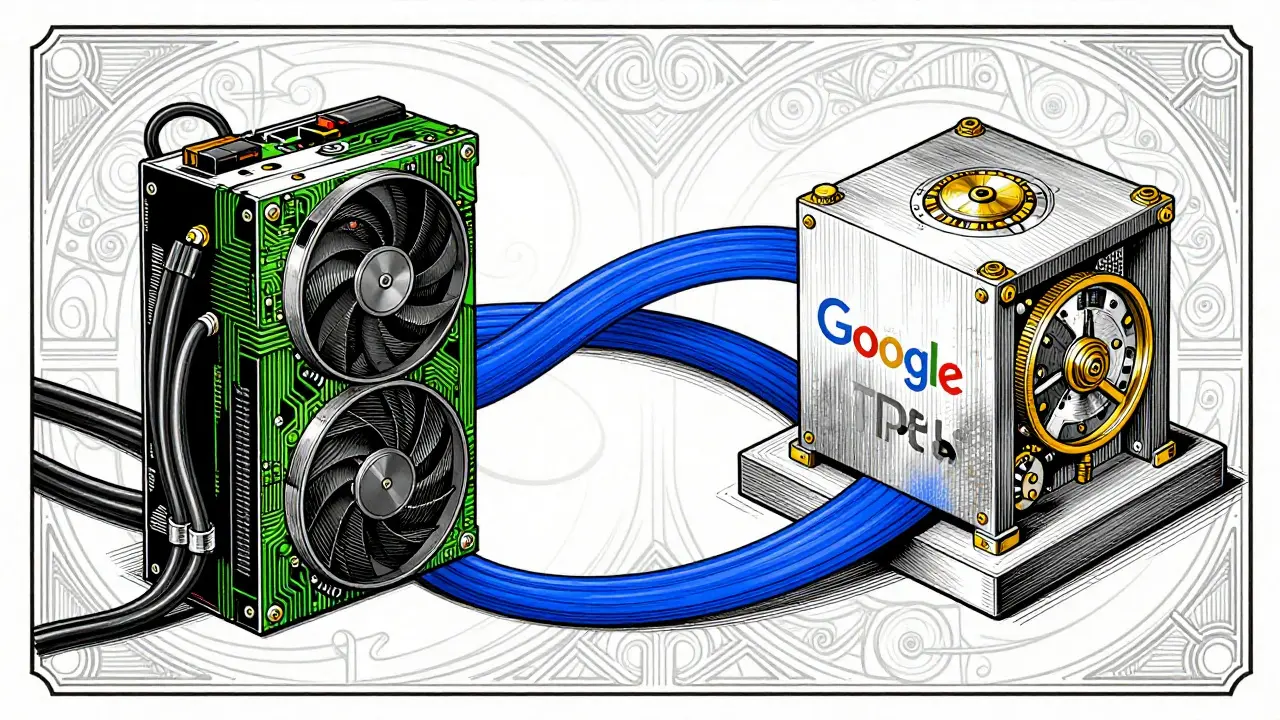
Tpus: The Efficiency Kings
Google’s TPUs take a different route. Instead of being general-purpose graphics cards repurposed for AI, they are ASICs built from the ground up for matrix multiplication. This specialization yields impressive efficiency metrics. The TPU v5p, for instance, targets training workloads with 3,672 TFLOPS and offers 760GB of total memory in an 8-chip configuration. More importantly, it achieves approximately 58% Model FLOPs Utilization (MFU), compared to the H100’s roughly 52% MFU on identical workloads.
What does MFU mean for you? It means less wasted energy and time. TPUs use deterministic execution and high-speed Inter-Chip Interconnects (ICI) to minimize the time data spends waiting to be processed. In real-world testing, this translates to faster training times for large models. Furthermore, the cost economics are hard to ignore. An 8-chip H100 node costs between $12.00 and $15.00 hourly, while a TPU v5p-8 slice runs for $8.00 to $11.00. For massive pre-training jobs, TPUs can deliver 4 to 10 times higher cost-effectiveness than GPUs.
| Feature | NVIDIA H100 | Google TPU v5p |
|---|---|---|
| Type | General Purpose GPU | AI-Specific ASIC |
| Memory (per chip/node) | 80GB HBM | 760GB (8-chip config) |
| Token Speed | ~3,800 tokens/sec | ~3,450 tokens/sec |
| Model FLOPs Utilization (MFU) | ~52% | ~58% |
| Hourly Cost (8-chip) | $12.00 - $15.00 | $8.00 - $11.00 |
| Primary Software Stack | CUDA / PyTorch | XLA / JAX / TensorFlow |
Distributed Training: Scaling Up
Training a foundation model rarely happens on a single chip. You need thousands. This is where distributed training infrastructure becomes critical, and where the architectural differences between GPUs and TPUs become stark.
On the GPU side, scaling relies on external networking libraries like NCCL (NVIDIA Collective Communications Library). Developers must manually configure sharding strategies using tools like torch.distributed. While powerful, this introduces complexity. Network congestion, latency spikes, and manual optimization errors can bottleneck performance as you add more nodes.
TPUs handle this differently. Google’s GSPMD compiler (part of the XLA stack) automatically shards your code across the entire TPU Pod. You write code for a single device, and the compiler handles the distribution logic. Moreover, TPU pods use Optical Circuit Switch (OCS) interconnects, providing superior bandwidth and nearly linear scalability up to 4,096 chips. This integration reduces the engineering overhead required to manage massive clusters, allowing teams to focus on model architecture rather than network topology.

Choosing Your Stack: Hybrid Strategies
So, which should you choose? The answer isn’t binary anymore. Most sophisticated organizations in 2026 adopt hybrid strategies based on specific workload requirements.
- Use GPUs when: You are in the research phase, experimenting with new architectures, or need multi-cloud portability. If your team is deeply familiar with PyTorch and needs to debug complex issues using eager mode, GPUs provide the necessary tooling and community support.
- Use TPUs when: You are scaling proven models for production. If you are training a trillion-parameter foundation model or serving high-volume inference requests, the cost-per-token advantage of TPUs becomes undeniable. Additionally, if your stack aligns with JAX or TensorFlow, the native optimizations will yield significant speedups.
Consider Anthropic’s approach. Reports suggest their infrastructure leverages TPUs for certain production training stages due to the lower Total Cost of Ownership (TCO). Analysis indicates TPUs can provide up to 52% lower TCO per effective PFLOP compared to NVIDIA’s GB300 configurations, even with suboptimal utilization. This margin for error makes TPUs attractive for stable, large-scale operations.
Future Outlook
The gap between these technologies is narrowing, but their roles are solidifying. NVIDIA continues to dominate through ecosystem breadth, ensuring that almost any AI project can run on their hardware. Google pushes forward with TPU v6e, promising up to 4x better performance per dollar for qualifying workloads. As models grow larger and context windows expand, the ability to scale linearly without exponential cost increases will determine winners in the AI race. For now, the smartest move is to match your hardware to your specific job-to-be-done, rather than chasing raw specs alone.
Are TPUs only available on Google Cloud?
Yes, currently TPUs are exclusive to Google Cloud Platform (GCP). This limits their appeal for organizations with strict multi-cloud mandates. If you need to deploy models across AWS, Azure, and GCP without refactoring your infrastructure code, NVIDIA GPUs are the more portable option.
What is Model FLOPs Utilization (MFU)?
MFU measures the percentage of theoretical peak performance actually used during training. Higher MFU means less wasted compute power. TPUs often achieve higher MFU (around 58%) compared to GPUs (around 52%) due to optimized inter-chip communication and deterministic execution paths.
Can I switch between GPUs and TPUs easily?
It depends on your software stack. If you use PyTorch with CUDA kernels, moving to TPUs requires significant refactoring, often involving migration to JAX or TensorFlow with XLA. However, frameworks like PyTorch are improving TPU support, making transitions smoother over time. For best results, design your architecture with the target hardware in mind from day one.
Which is better for inference: GPUs or TPUs?
For high-volume, stable inference workloads, TPUs (especially v6e) offer superior cost-efficiency and throughput. However, for variable batch sizes, low-latency requirements, or mixed workloads, GPUs like the NVIDIA A10 or L40 remain highly competitive and easier to integrate into existing server fleets.
How much does it cost to train an LLM on TPUs vs GPUs?
Cost varies by model size and duration, but generally, TPUs are cheaper for large-scale training. An 8-chip TPU v5p slice costs $8-$11/hour, while an equivalent H100 node costs $12-$15/hour. Over months of training, this difference compounds, potentially saving millions for foundation model developers.